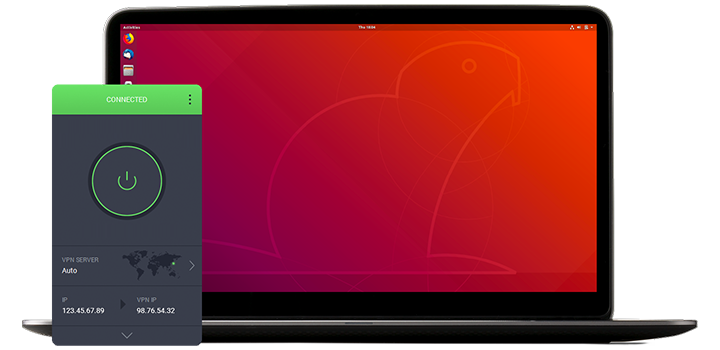
İndime işleminiz, saniyeler içerisinde otomatik olarak başlayacaktır.
Değilse, indirme işlemini baştan başlatmak için buraya tıklayın.
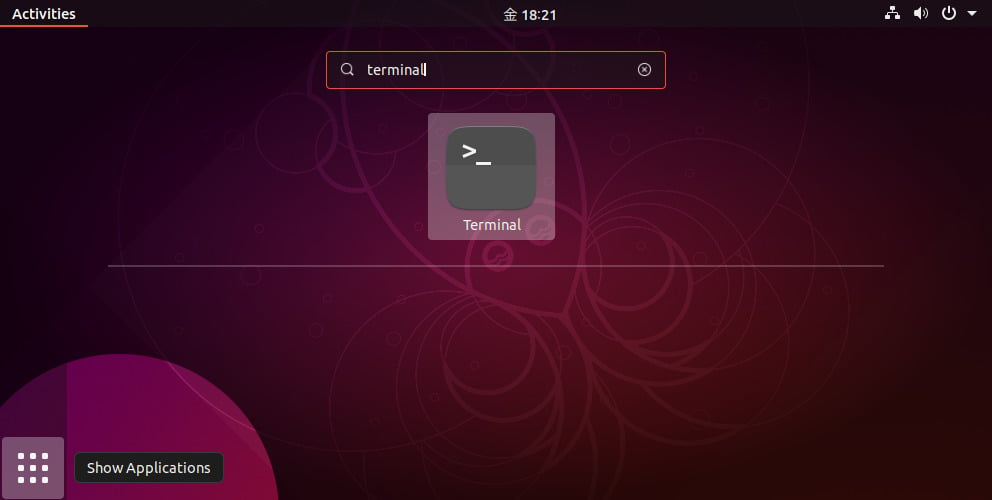
Once the download completes, open the terminal.
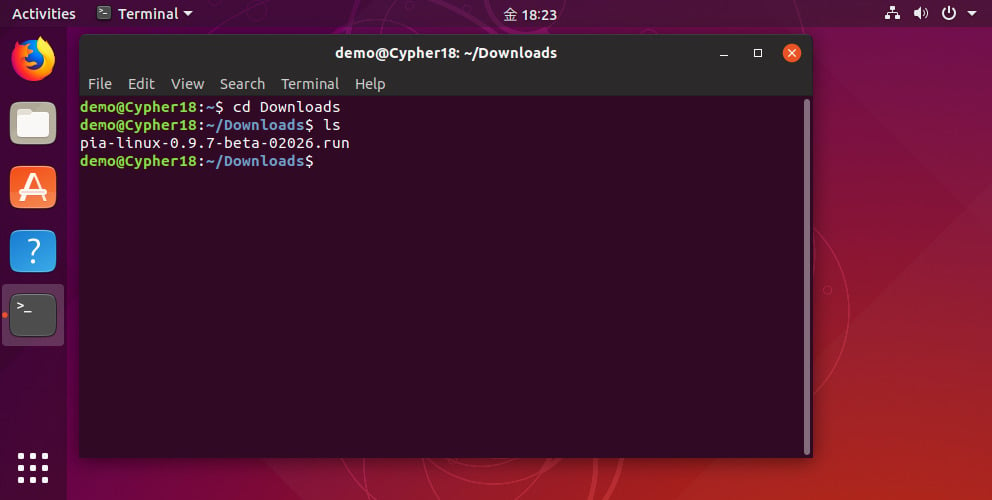
Change the directory to where the installer was downloaded, e.g. cd Downloads or the equivalent for your system.
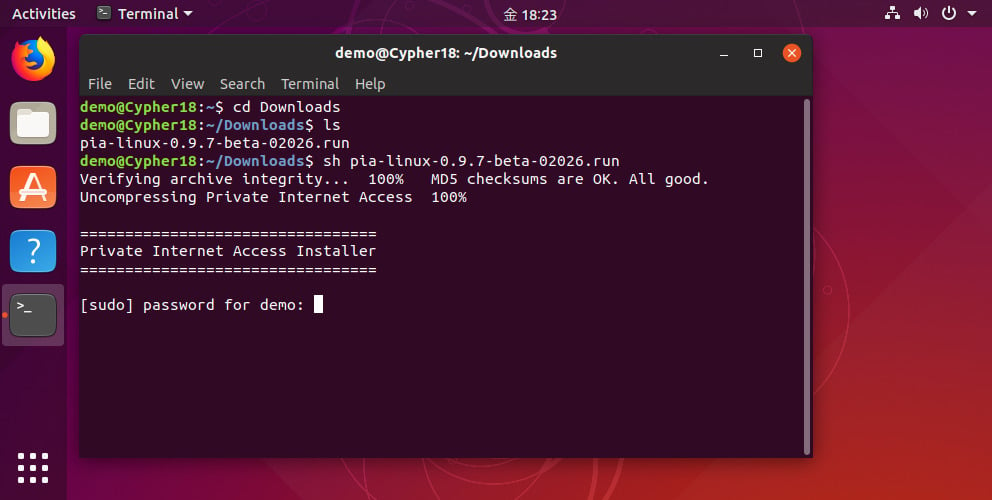
Run the installer with the command: sh pia-linux-3.8-08539.run
The installer will ask for your root password (note: do not run the installer itself with sudo).
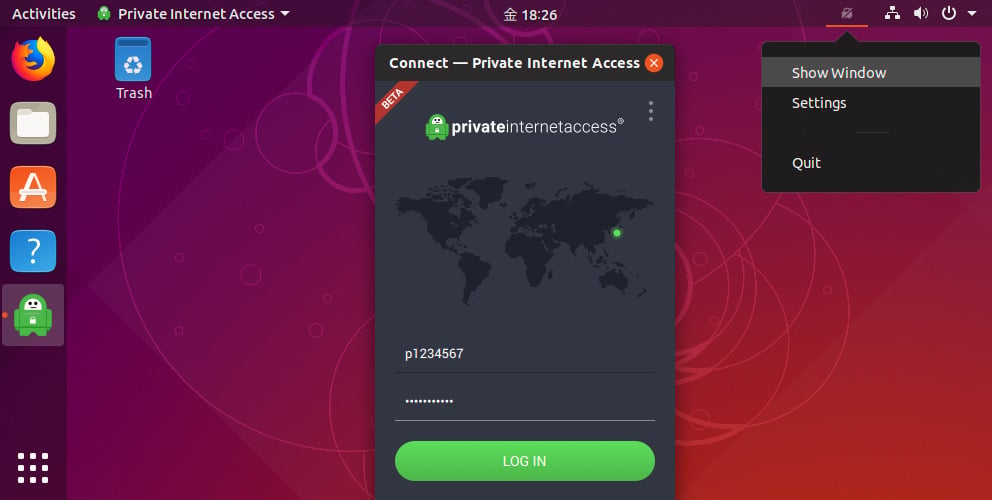
Once the installation completes, enter your PIA username and password.
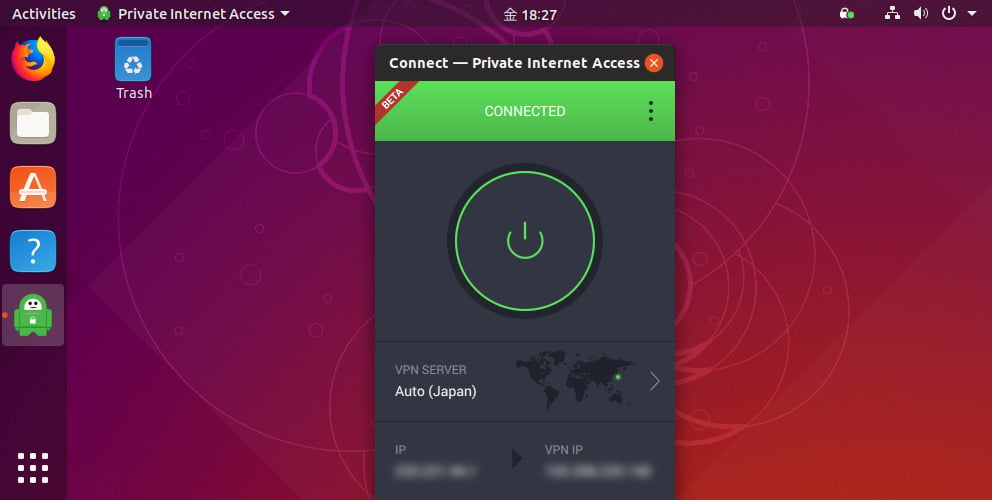
Hit the connect button to start browsing anonymously.

Private Internet Access, VPN sektörün lideri olarak en az 10 yıllık deneyime sahiptir. PIA katı günlük tutmama politikası, dünya standartlarındaki sunucu altyapısı ve şeffaf açık kaynak yazılımıyla internetteki gizliliğinizi, güvenliğinizi ve özgürlüğünüzü her şeyin üzerinde tutar.