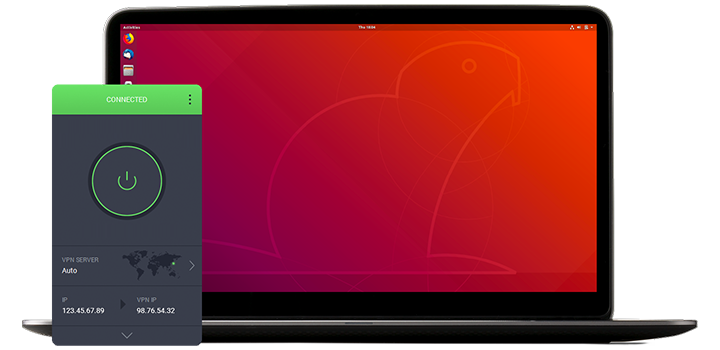
Je download zou binnen enkele seconden automatisch moeten starten.
Als dat niet zo is, klik hier om de download opnieuw te starten.
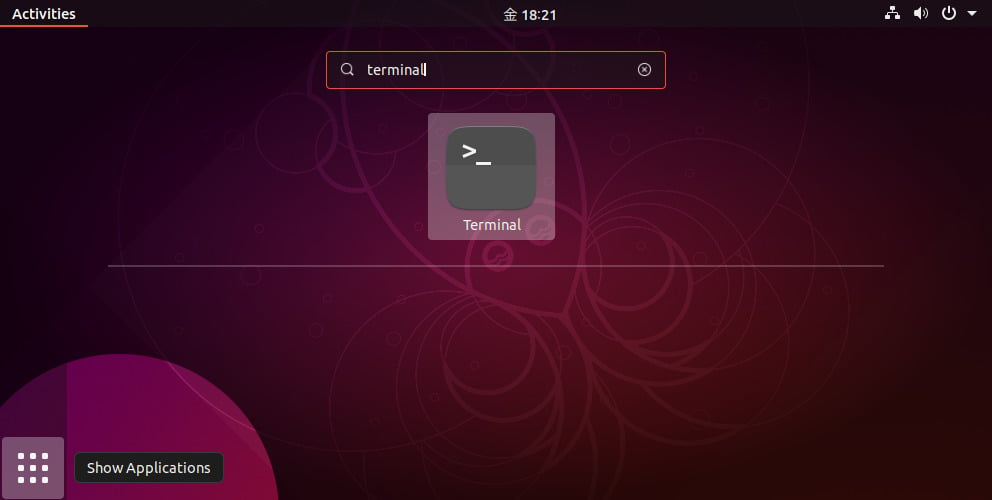
Once the download completes, open the terminal.
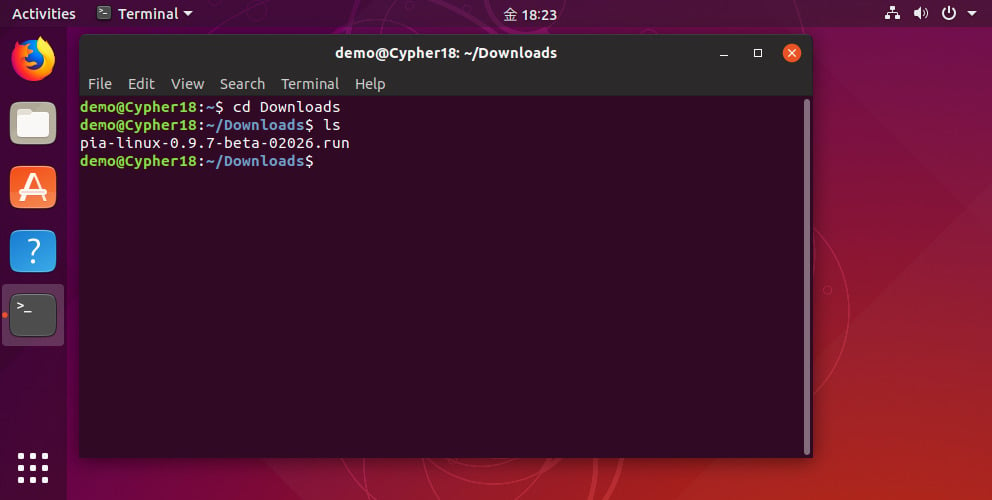
Change the directory to where the installer was downloaded, e.g. cd Downloads or the equivalent for your system.
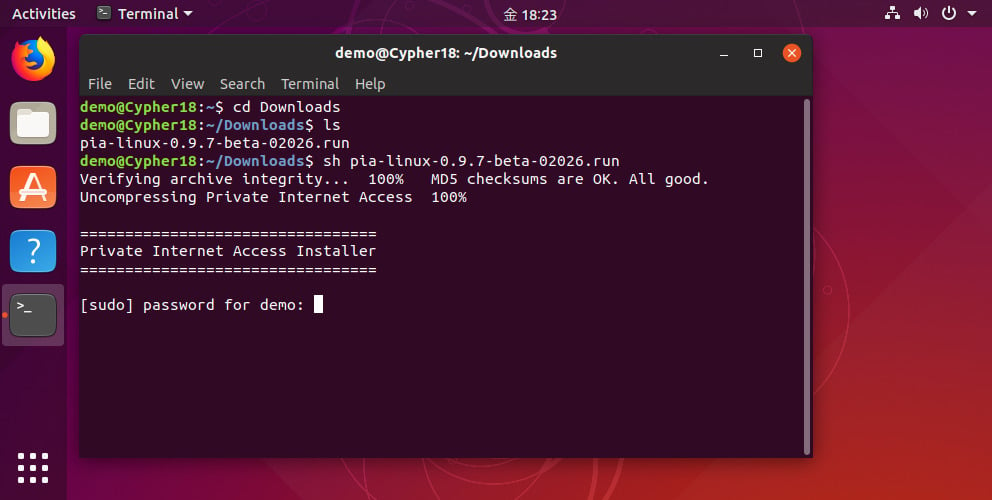
Run the installer with the command: sh pia-linux-3.8-08539.run
The installer will ask for your root password (note: do not run the installer itself with sudo).
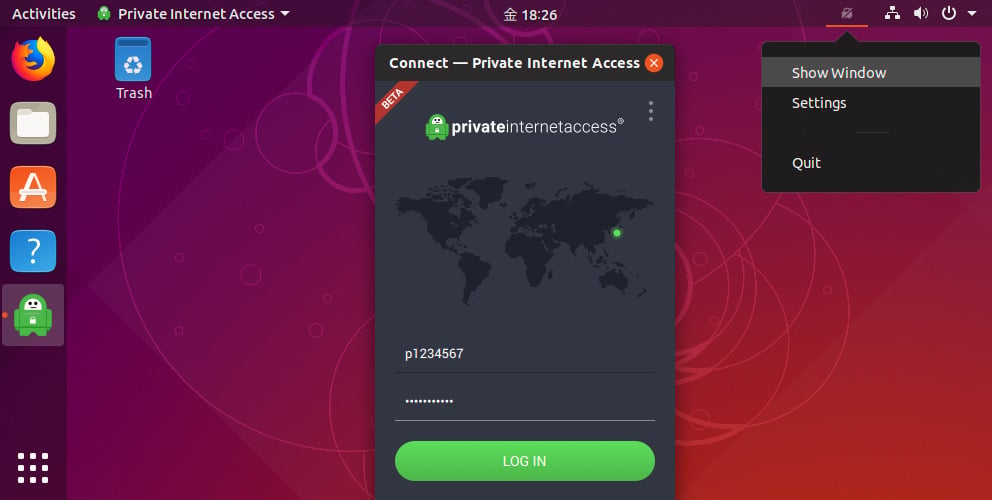
Once the installation completes, enter your PIA username and password.
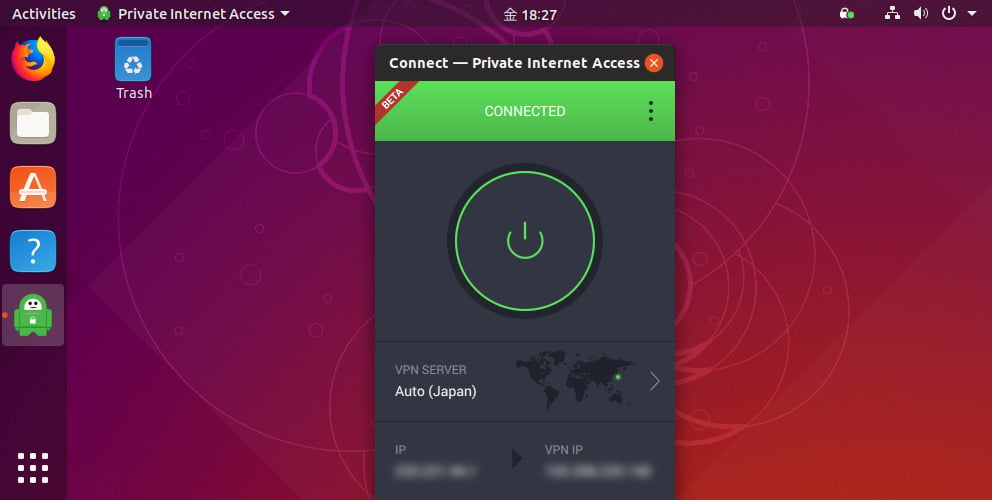
Hit the connect button to start browsing anonymously.

Private Internet Access heeft meer dan 10 jaar ervaring als toonaangevende leider in de VPN-industrie. Met een strikt geen logbestandenbeleid, een serverinfrastructuur van wereldklasse en transparante opensourcesoftware, geeft PIA boven alles voorrang aan uw privacy, beveiliging en vrijheid.