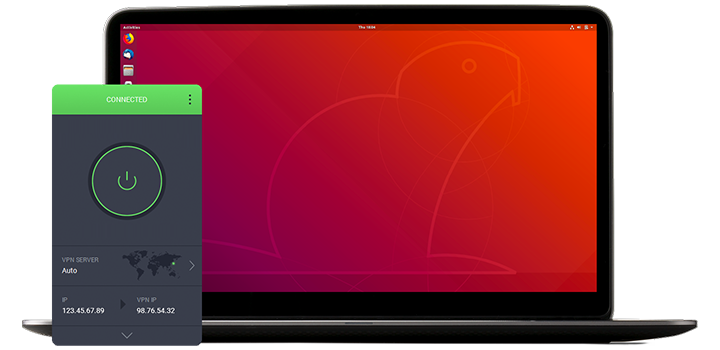
Latauksesi pitäisi alkaa automaattisesti muutamassa sekunnissa.
Jos se ei ala, käynnistä lataus uudelleen napsauttamalla tätä.
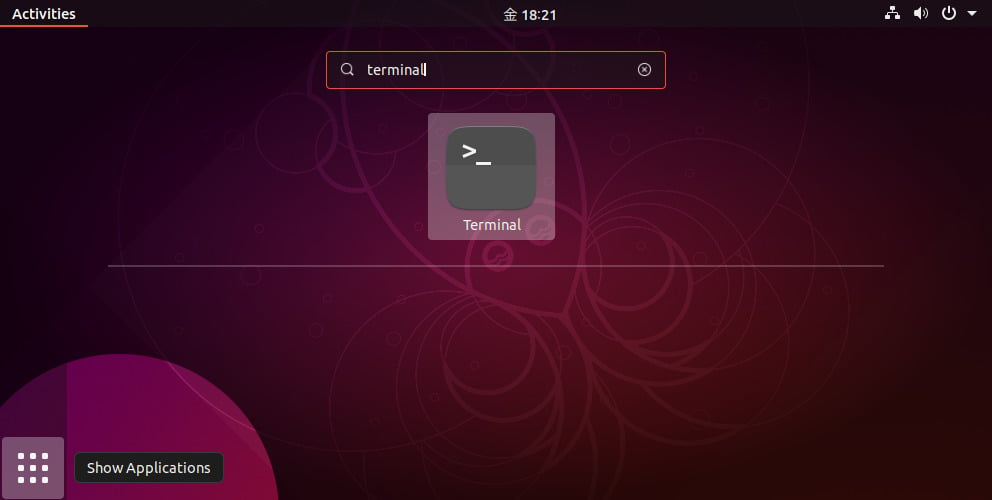
Once the download completes, open the terminal.
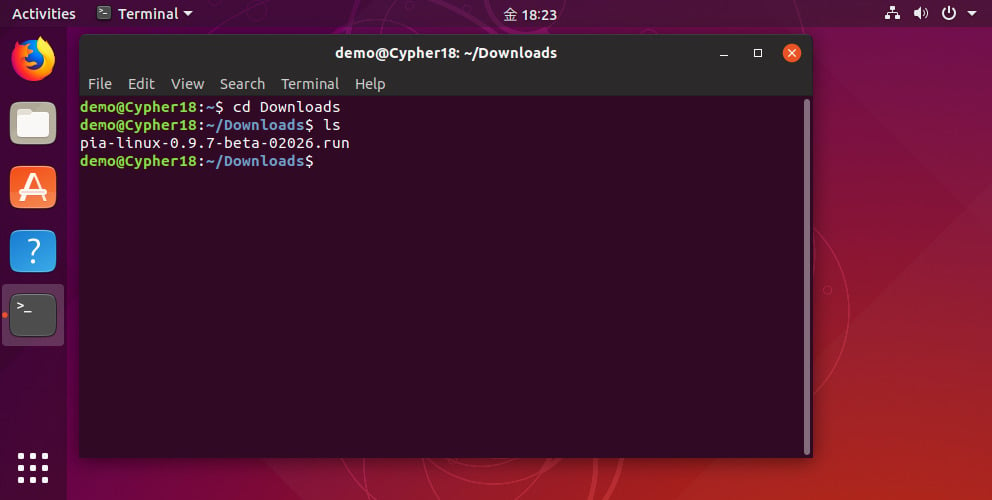
Change the directory to where the installer was downloaded, e.g. cd Downloads or the equivalent for your system.
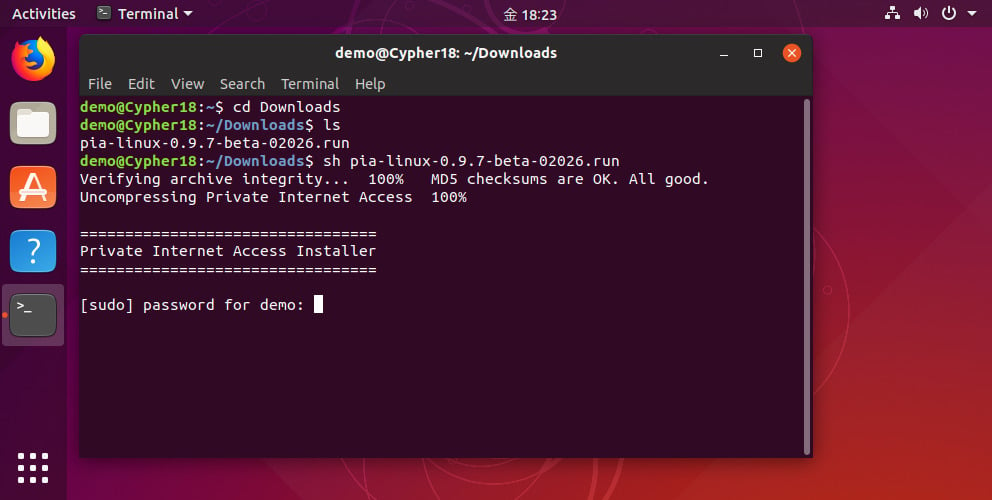
Run the installer with the command: sh pia-linux-3.8-08539.run
The installer will ask for your root password (note: do not run the installer itself with sudo).
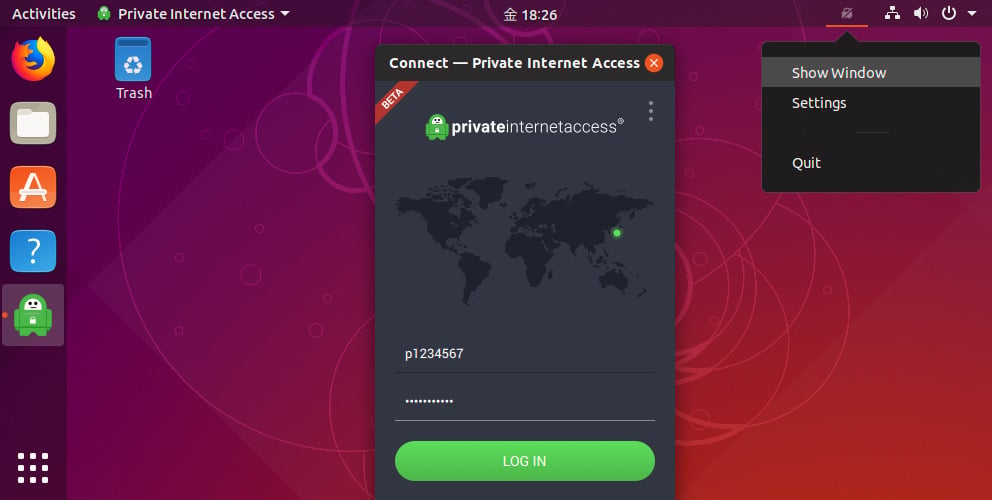
Once the installation completes, enter your PIA username and password.
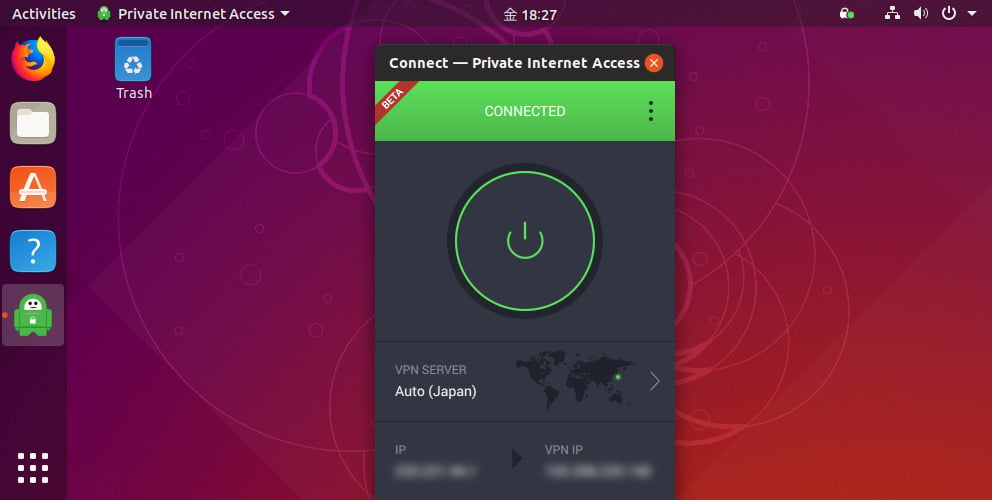
Hit the connect button to start browsing anonymously.

Private Internet Accessilla on yli 10 vuoden kokemus VPN-alan johtavana palveluna. Tiukka lokiton käytäntö, ensiluokkainen palvelinverkko ja läpinäkyvä avoimeen lähdekoodiin perustuva ohjelmisto osoittavat, että käyttäjiemme yksityisyys, turvallisuus ja vapaus verkossa ovat tärkeimpiä prioriteettejamme.