Ethernet vs. Wi-Fi: Speed, Gaming, and Security Comparison

Few debates in home networking create as much discussion as Ethernet vs. Wi-Fi. Gamers swear by Ethernet for its low latency, while most people choose Wi-Fi for the convenience of connecting anywhere. But beyond the stereotypes, the real differences come down to three things: speed, reliability, and security.
This guide compares Ethernet and Wi-Fi in practical terms. We’ll examine speed, latency, and stability, then dive into security risks, streaming performance, and troubleshooting common issues. By the end, you’ll know exactly when plugging in a cable makes sense and when wireless serves you better.
Ethernet vs. Wi-Fi: At a Glance
Choosing between Ethernet and Wi-Fi usually comes down to whether you value speed and stability or convenience and flexibility.
- Ethernet: A wired network connection that uses cables for internet access.
- Wi-Fi: A wireless network that connects devices via radio waves.
Here’s a quick look at what you get with each:

What Is Ethernet?
Ethernet is a wired networking technology that connects devices through physical cables, typically copper (with RJ45 connectors) or fiber optic lines.
It works by sending electrical signals (or light signals in fiber cables) through those physical connections. Every Ethernet-connected device on the network has a unique MAC address, like a digital ID tag, that helps direct data to the right destination.
Because Ethernet uses a physical connection, it delivers:
- High-speed: Gigabit Ethernet (1 Gbps) is standard; 10 Gbps and beyond can be found in some enterprise environments.
- Low latency: Data travels with minimal delay, critical for real-time applications like gaming or trading systems.
- Reliability and security: A wired link is not affected by signal interference, and unauthorized access is much harder.
Ethernet Pros and Cons
| Pros | Cons |
| ✅ Delivers consistent and high data transfer rates | ⚠️ Many modern laptops and tablets no longer include Ethernet ports |
| ✅ Maintains stable connections suitable for workstations, consoles, and smart TVs | ⚠️ Requires physical cables, which can limit placement and mobility |
| ✅ Reduces interference and maintains dependable performance | ⚠️ Installation may be inconvenient in larger spaces or older buildings |
| ✅ Provides strong security since data travels through physical wiring | ⚠️ Can lead to visible cabling or clutter if several devices are connected |
What Is Wi-Fi?
Wi-Fi is a wireless networking technology that connects devices to a network via radio waves rather than cables. It allows phones, laptops, smart TVs, and other devices to access the internet within a defined range of a wireless router or access point.
Wi-Fi operates on radio frequencies, most commonly 2.4 GHz and 5 GHz, with the newer Wi-Fi 6E standard adding the 6 GHz band. The router transmits data through these frequencies, and devices equipped with wireless adapters convert the radio signals into digital information. The router then sends this data to the broader internet, often through an Ethernet connection.
Wi-Fi offers:
- Flexibility: Users can move freely within range without cables.
- Ease of deployment: Devices connect quickly with minimal setup.
- Scalability: One access point can serve many devices.
Wi-Fi Pros and Cons
| Pros | Cons |
| ✅ Enables wireless connectivity for phones, laptops, and smart devices | ⚠️ Signal strength and speed can drop with distance or physical barriers |
| ✅ Offers flexible access throughout homes, offices, or public areas | ⚠️ Can experience interference from other wireless devices |
| ✅ Supports quick setup with no cables required | ⚠️ Performance can vary depending on router quality and network load |
| ✅ Allows multiple devices to connect and communicate easily | ⚠️ Security depends on encryption settings and proper network management |
Ethernet Cable vs. Wi-Fi: Key Differences
Both technologies keep evolving. Modern Ethernet cables support up to 10-Gbps, while Wi-Fi 6 and Wi-Fi 6E can rival those speeds under optimal conditions. The real differences emerge in consistency, security, and how they handle demanding tasks like gaming and streaming.
Now, let’s take a deeper look at each category.
Wi-Fi vs. Ethernet Security: Which Keeps You Safer Online?
One of the most important differences in Ethernet vs. Wi-Fi is how each handles security.
With Ethernet, your data travels through a physical cable. This makes it much harder for outsiders to intercept your traffic. Someone would literally need access to the cable or router to tamper with your connection.
Wi-Fi, by contrast, faces more exposure. It broadcasts signals through the air, which opens the door to risks if your network isn’t properly secured. The most common Wi-Fi threats include:
- Weak passwords: People often use easy-to-guess passwords like 123456 or phone numbers for their Wi-Fi since they share it with visitors. However, weak passwords leave your network vulnerable and accessible.
- Outdated encryption: WPA2 has known vulnerabilities, and older standards like WEP offer essentially no protection.
- Evil twin attacks: Hackers set up fake Wi-Fi hotspots that mimic legitimate ones to trick you into connecting.
- Packet interception: Skilled attackers can capture unencrypted data traveling over wireless networks.
Public Wi-Fi adds another layer of risk. Coffee shop or airport Wi-Fi may offer convenience, but you’re sharing it with strangers, and potentially cybercriminals. Even when a network uses WPA3, which is the latest Wi-Fi security standard that encrypts your data, public networks remain vulnerable simply because you can’t control who else is connected or whether the hotspot itself is legitimate.
🔨 Security verdict: For sensitive tasks like online banking, remote work, or sending private files, Ethernet provides peace of mind. If you have to use Wi-Fi, especially on public networks, you can use a high-quality VPN like PIA VPN to reduce chances of snooping, data theft, and fake hotspot attacks.
Wi-Fi vs. Ethernet Speed and Latency: Which is Faster?
Ethernet typically offers better raw performance because it creates a direct, wired connection, with very little room for interference or slowdowns. If your internet plan supports it, Ethernet can easily deliver gigabit speeds (1 Gbps) or even 10 Gbps with the right cable and hardware.
Wi-Fi has made significant strides to catch up, but it’s not quite there yet. With Wi-Fi 6 and Wi-Fi 6E (the newer generations of Wi-Fi standards), wireless speeds can theoretically reach up to 9.6 Gbps in ideal conditions. However, ideal conditions usually occur in controlled environments such as testing laboratories, not in real homes or offices. Your actual speed depends on how far you sit from the router, how many walls or other obstacles block the signal, and how many other devices share the same network.
Latency, which is the time data takes to travel from your device to its destination, is another crucial factor. Ethernet keeps latency low and steady, which explains why competitive gamers and anyone needing really fast response times prefer it. Wi-Fi latency can spike when your signal drops or the network becomes congested, potentially causing laggy video calls or buffering streams.
🔨 Performance verdict: Ethernet consistently delivers faster and more reliable speeds, while Wi-Fi is fast enough for most daily browsing, streaming, and even casual gaming.
Connection slowdowns during high-bandwidth activities may have nothing to do with your connection type. Sometimes, your ISP may throttle your speeds when it detects streaming or gaming activity. You can avoid this with a reputable VPN like PIA. It encrypts your traffic so your ISP can’t monitor your connection and slow you down based on your activity.
Wi-Fi vs. Ethernet Stability: Which is More Reliable?
Speed tells only part of the story. Stability matters just as much, especially when you don’t want your connection to cut out mid-stream or during a video meeting.
Ethernet connections maintain excellent consistency. Once you plug in, you can usually count on steady speeds and fewer disconnects. They’re less sensitive to external factors like interference from other networks or household electronics.
Wi-Fi, on the other hand, shows more unpredictable behavior. Your neighbor’s network, your microwave, or even thick walls can cause temporary drops. That explains why you might notice buffering during streaming one night but not the next, even though nothing changed in your setup.
🔨 Stability verdict: Ethernet is less likely to drop your connection or cause glitches than Wi-Fi, which remains stable enough for everyday use, but is more vulnerable to surprise interruptions.
Wi-Fi vs. Ethernet for Gaming: Which Gets You a Better Experience?
If you’re a gamer, you need low latency and stable connections. A tiny delay of just a few milliseconds can mean the difference between landing a headshot or losing the round.
Ethernet is a good choice for online gaming because it keeps latency low and reduces the risk of packet loss. This translates to smoother gameplay and fewer disconnects during competitive matches.
Despite Wi-Fi’s significant improvements, especially with Wi-Fi 6, it still can’t guarantee the same stability. Wireless networks are more prone to sudden latency spikes or interference that can ruin an otherwise solid connection.
🔨 Gaming verdict: Wi-Fi works fine for casual gaming, but if you want to maximize performance for serious or competitive gaming, Ethernet is more reliable.
Sometimes lag and latency are caused by congestion or poor routing at your ISP’s end. A gaming VPN like PIA can help create a more stable connection as it reroutes your connection through its own route-optimized network. It can also help prevent slowdowns caused by DDoS attacks, because it hides your IP address and absorbs the brunt of any attack.
Wi-Fi vs. Ethernet for Streaming
When it comes to streaming shows and movies online, nothing ruins the experience faster than buffering. This is where the Ethernet vs. Wi-Fi debate really matters for devices like smart TVs, Apple TV, Roku, and Fire TV Sticks.
If your setup allows it, plugging these devices directly into Ethernet usually gives you smoother performance, especially when streaming in 4K or higher. A wired connection can minimize buffering and keep video quality consistent, even during peak hours when everyone in the neighborhood goes online.
That being said, Wi-Fi is still a common option, especially because not every streaming stick even has an Ethernet port. For many households, Wi-Fi works perfectly fine for HD streaming, casual viewing, or when it’s inconvenient to run a cable to your TV.
🔨 Streaming verdict: Wi-Fi works well for everyday streaming, but if your smart TV or streaming stick supports Ethernet, it’s probably worth using for its more stable performance.
When Ethernet Makes More Sense
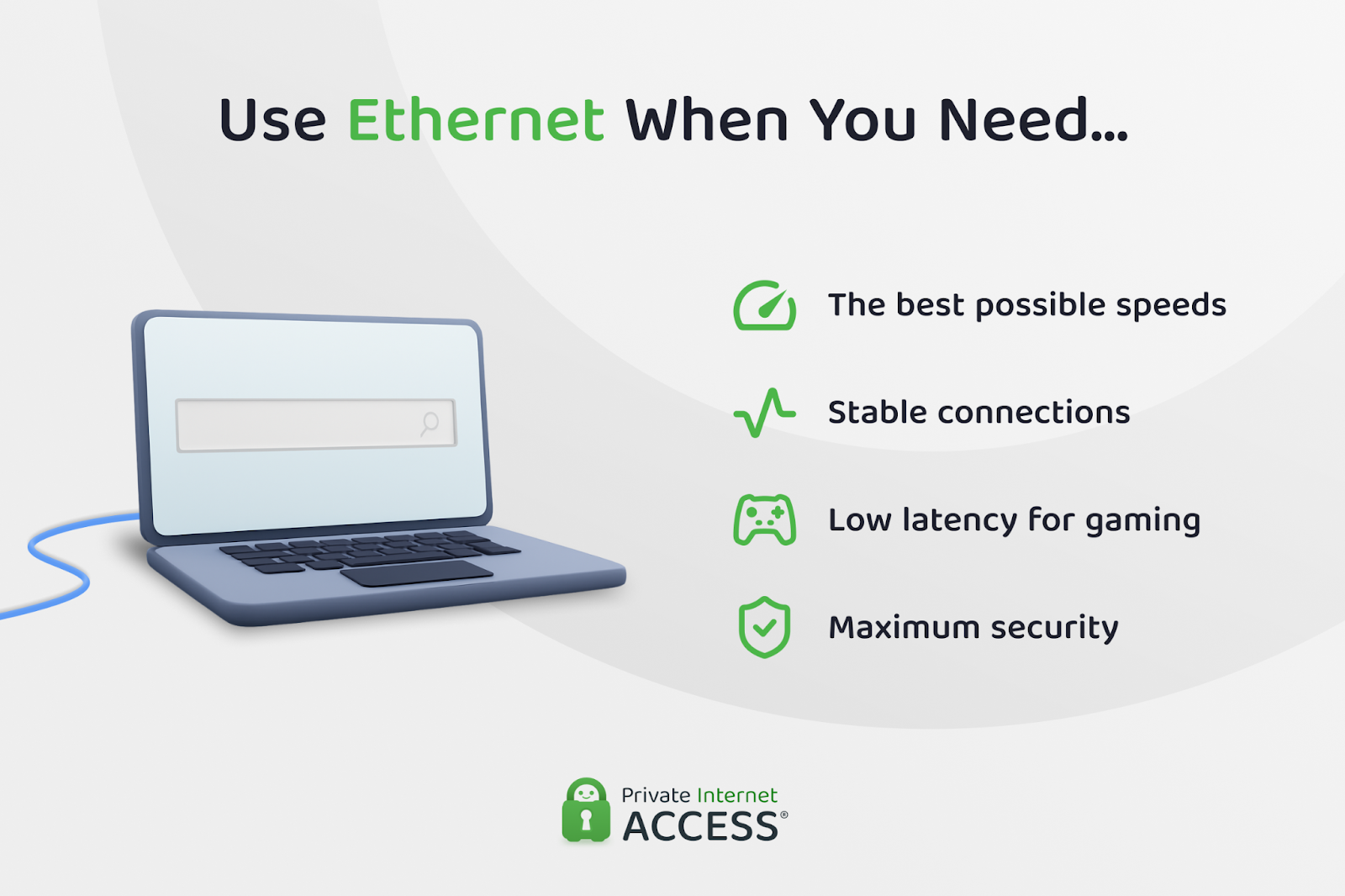
If performance tops your priority list, Ethernet still holds clear advantages over Wi-Fi. It’s the better choice when:
- Speed is of vital importance: Large file transfers, cloud backups, and 4K/8K streaming benefit from Ethernet’s steady throughput.
- Consistency proves critical: Work-from-home setups, video calls, and online classes run smoother without unexplained drops in connection or speed from Wi-Fi.
- Gaming takes priority: Low latency and minimal packet loss make Ethernet a strong choice for competitive or fast-paced online games.
- Security matters most: Since it doesn’t broadcast over the air, Ethernet adds a physical layer of protection that Wi-Fi can’t match.
One drawback is that not every modern laptop or device includes an Ethernet port anymore. If that’s your situation, you’ll need a USB-to-Ethernet adapter to take advantage of a wired connection. It’s a small extra step, but worth it if speed and stability rank as priorities.
When Wi-Fi Makes More Sense
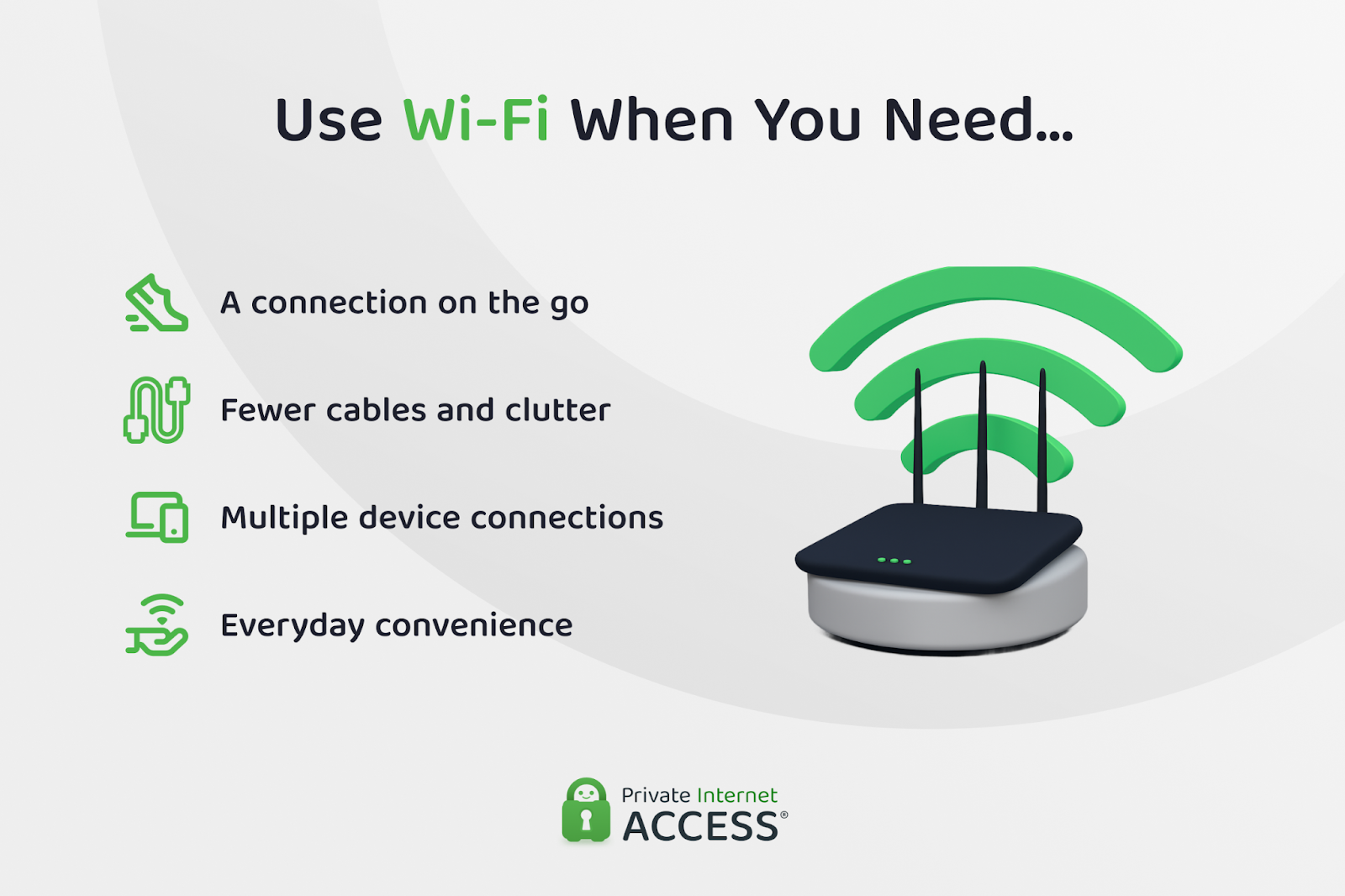
Ethernet may offer greater speed, stability, and security, but Wi-Fi isn’t going anywhere. In fact, it’s the reason most of us can walk around with our phones, laptops, and tablets without dragging cables everywhere.
Wi-Fi makes the most sense when:
- Mobility matters: Phones, tablets, and laptops are designed for wireless connectivity.
- Setup space proves limited: Running cables across the living room or drilling holes in walls isn’t always practical.
- Multiple devices need connections: Smart speakers, home assistants, and IoT gadgets often don’t even come with Ethernet ports.
- Convenience outweighs perfection: For casual browsing, video calls, and even HD streaming, Wi-Fi usually provides more than enough performance.
In larger homes, Wi-Fi coverage can become an issue. Many people solve this with a mesh Wi-Fi system, which uses multiple access points to keep the signal strong in every room. It works well, but it does add to the overall cost of relying only on wireless.
Power Over Ethernet (PoE) and Hybrid Setups
Ethernet can do more than just carry data. With Power over Ethernet (PoE), the same cable can deliver electricity. That means you can run a single cable to power devices like security cameras, Wi-Fi access points, or even some phones, cutting down on clutter and power cords.
There’s also no need to choose strictly between Ethernet vs. Wi-Fi. Many households (and businesses) run a hybrid setup:
- Stationary, performance-heavy devices (PCs, gaming consoles, smart TVs, Apple TV boxes) on Ethernet.
- Mobile devices and smart home gadgets on Wi-Fi.
This approach gives you the best of both worlds, wired speed and stability where it matters, and wireless convenience everywhere else.
Troubleshooting and Fixing Ethernet Issues
If you’re having trouble with your Ethernet connection, here are some quick fixes that should get you back online quickly.
Not connecting at all:
- Check that both ends of the cable are firmly connected.
- Try a different Ethernet port on your router.
- Update your computer’s network adapter drivers.
- Test with a new cable or one you know for sure is working.
Slower speeds than expected:
- Verify your internet plan’s speed with an online speed test.
- Check for bandwidth-hogging apps in Task Manager (Windows) or Activity Monitor (Mac).
- Make sure you’re using at least a Cat5e cable for gigabit speeds.
Intermittent connection drops:
- Replace old or damaged cables (they do fail over time).
- Check for loose connections at wall jacks or patch panels.
- Update your network adapter drivers.
Troubleshooting and Fixing Wi-Fi Issues
Here’s what you can do when you’re dealing with Wi-Fi-related problems:
Weak signal or slow speeds:
- Move closer to the router to see if distance is causing the issue.
- Look for interference from things like microwaves, baby monitors, or neighboring routers.
- Change Wi-Fi channels in your router settings. 1, 6, or 11 work best for 2.4 GHz.
Frequent disconnections:
- Update your device’s Wi-Fi drivers.
- Forget the connection to the Wi-Fi network on your device and then reconnect.
- Check if power saving mode is disabling your Wi-Fi adapter.
Can’t connect to the network:
- Double-check that you’re using the correct password.
- Restart both your device and the router.
- Make sure MAC address filtering isn’t blocking your device.
How to Test Ethernet and Wi-Fi Performance
If you’re dealing with slowdowns, here’s how to figure out where it’s occurring:
- Test wired speed directly from the router.
- Test Wi-Fi speed in the same room as the router.
- Test Wi-Fi speed from your normal usage location.
- Compare all results with your internet plan’s advertised speed.
This process helps you determine if the issue stems from your ISP, router performance, Wi-Fi coverage, or the device itself.
FAQ
What is the difference between Ethernet and Wi-Fi?
While the end result is often the same, there are plenty of differences between Ethernet and Wi-Fi. Ethernet uses a physical cable to connect your device directly to the router, while Wi-Fi sends data wirelessly through radio signals. Ethernet usually provides faster, more stable, and more secure connections, while Wi-Fi offers convenience and mobility.
Is Ethernet better than Wi-Fi for gaming?
Ethernet almost always performs better for online gaming because it reduces latency and packet loss. This means fewer lag spikes and smoother gameplay. Wi-Fi can work for casual gaming, but competitive players usually prefer Ethernet.
How does Ethernet speed compare to Wi-Fi speed?
Ethernet typically delivers higher and more consistent speeds, with modern cables supporting up to 10 Gbps. Wi-Fi 6 and Wi-Fi 6E can reach similar speeds in theory, but real-world performance often drops due to distance, interference, or network congestion.
Which is more secure, Ethernet or Wi-Fi?
Ethernet is generally more secure because it’s a wired connection that doesn’t broadcast data through the air. Wi-Fi can be secure too, especially with WPA3 encryption and a strong password, but it faces more exposure to potential attacks if not properly configured.
Should I use Ethernet or Wi-Fi on Apple TV?
When it comes to streaming, Ethernet offers a more stable connection, making it the better choice for Apple TV. Wi-Fi still works well for everyday streaming, but you may encounter buffering or quality drops if your network becomes congested.
Does Ethernet provide more stable performance than Wi-Fi?
Yes, Ethernet connections are generally more stable because they aren’t affected by walls, distance, or interference. Wi-Fi stability can vary depending on your environment and the number of devices connected. This stability difference becomes especially noticeable during peak usage hours when multiple family members are online simultaneously.
When should I choose Wi-Fi instead of Ethernet?
Wi-Fi works best when flexibility matters. If you’re using a mobile device, setting up in a room where running cables isn’t practical, or simply want the convenience of wireless, Wi-Fi is the right choice.
