Remote Access Trojan (RAT): How It Works and How to Remove It

If you’ve had a series of strange occurrences with your device, like an overactive webcam, strange cursor patterns, or deactivated antivirus, a remote access trojan (RAT) could be a possible cause. Because RATs give an attacker remote access to a device, it’s possible that an infected device will start to show these symptoms.
RATs have been around for years and continue to evolve, but how do they work and are there ways to detect them? With some good cybersecurity habits and trusted security tools, you can minimize the risk of a RAT infection.
What Is a Remote Access Trojan?
A RAT is malware that gives an attacker remote access to a device without the user’s knowledge or consent. RATs are a type of trojan, a name inspired by the Trojan Horse in Greek mythology.
Like the Trojan Horse, trojan malware disguises itself as something legitimate or harmless to gain access to a device. A RAT is a specific type of trojan designed to provide remote access. Once installed, it can allow an attacker to interact with the device without having physical access to it.
RATs vs. Legitimate Remote Access
Remote access trojans are different from legitimate remote access tools. For example, Microsoft Remote Desktop and TeamViewer let authorized users access and control a device remotely. These tools can be useful for technical support, remote working, and other legitimate purposes. A RAT uses the same basic concept of remote access, but without the user’s authorization.
Is a Remote Access Trojan a Virus?
A RAT isn’t a virus, although both are types of malware. Malware is the broader term for malicious software, including viruses, Trojans, RATs, ransomware, spyware, and other threats. A virus replicates itself by infecting other files or programs. A Trojan, including a RAT, doesn’t self-replicate or spread by infecting other files.
Is a RAT the Same as Spyware?
Spyware monitors or collects information from a device, while a RAT gives an attacker remote access and control. However, RATs can include spyware-like capabilities, such as keylogging, screen capture, and tracking user activity.
How Does a Remote Access Trojan Work?
A remote access trojan (RAT) generally works in three stages: getting onto a device, connecting to the attacker, and controlling the device.
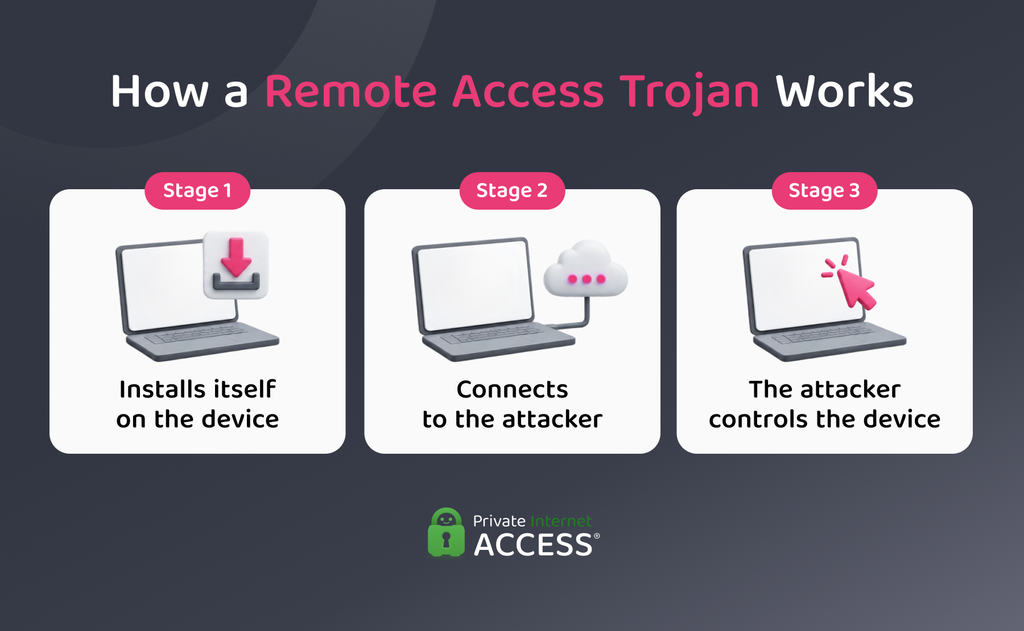
1. Installs Itself on the Device
A RAT first needs to get onto the target device. Attackers can do this in several ways, including:
- Malicious downloads: The victim downloads a file containing the RAT, often disguised as legitimate software, a game, or another useful file.
- Phishing messages: An attacker sends a message containing a malicious link or attachment that can install the RAT when opened.
- Compromised software: A RAT bundles with or hides inside software that appears legitimate, including unofficial or modified versions of popular programs.
- Exploited vulnerabilities: An attacker exploits a security weakness in the device or its software to install the RAT, sometimes without the user’s knowledge or action.
2. Connects to the Attacker
Once installed, the RAT needs a way to communicate with the attacker. It may connect to a command-and-control (C2) server, which acts as a communication point between the attacker and the malware. This connection allows the attacker to send instructions to the RAT and receive information from the infected device.
Some RATs also use persistence mechanisms to run again after the device restarts. These can include changes to startup settings or other parts of the operating system that allow the malware to launch.
3. The Attacker Controls the Device Remotely
With a communication channel in place, the RAT can allow the attacker to control the infected device. Depending on the RAT, the attacker may be able to interact with the operating system, access files, and use other resources on the device.
What Can a Remote Access Trojan Do?
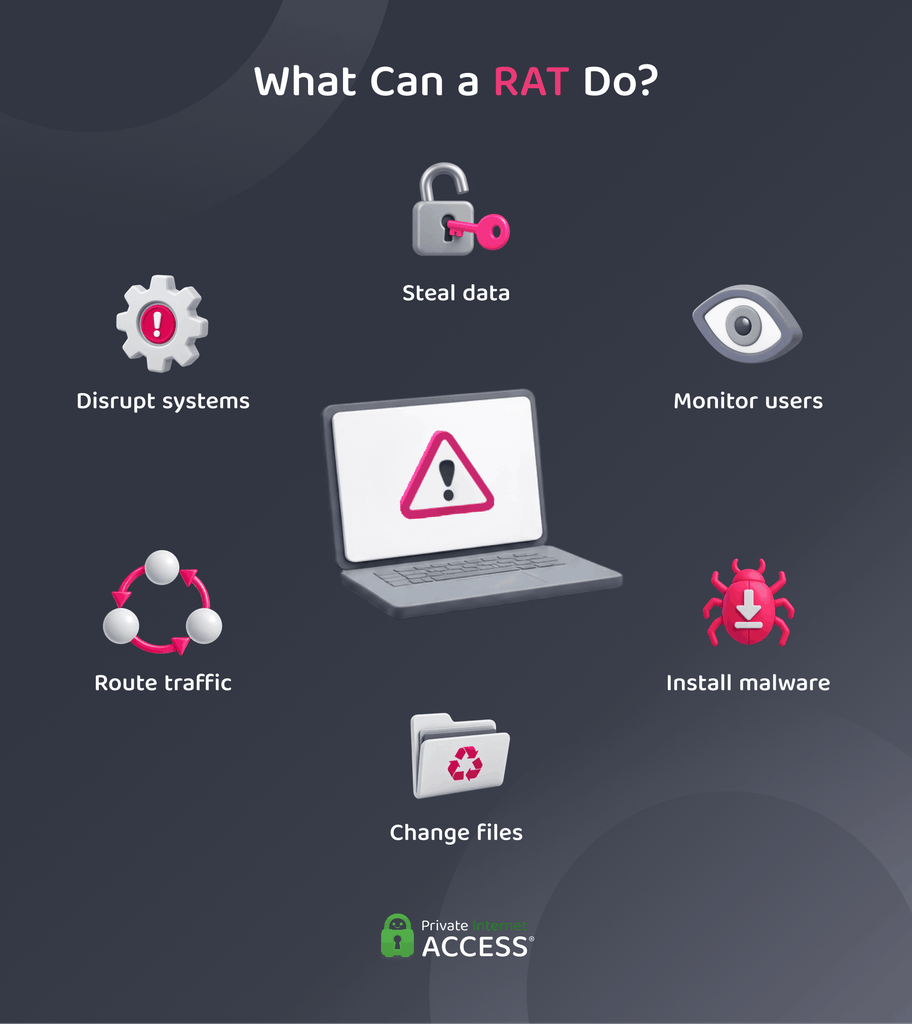
An attacker may be able to use the RAT to see your activity, collect information, change files, or carry out other malicious actions. The exact capabilities depend on the RAT, the permissions it obtains on the device, and the systems it can access.
These are the most common ways that a RAT can compromise your device:
| Purpose | Risk |
| Steal sensitive information | Accessing files, passwords, browser data, cryptocurrency wallets, and other sensitive information, or recording keystrokes to capture information. |
| Monitor users | Taking screenshots and accessing a device’s webcam and microphone. |
| Install additional malware | Downloading other malicious software, including ransomware or cryptomining malware. |
| Manipulate files | Getting permissions to create, open, move, modify, or delete files. |
| Route internet traffic | Using the compromised device as a proxy, making internet activity appear to originate from the victim’s connection. |
| Disrupt systems or services | Exploiting compromised devices to support broader attacks against networks, systems, or services. |
Examples of Remote Access Trojans
Researchers have identified many types of remote access trojans, with different capabilities and targets. Some work for specific operating systems, while others have targeted individual users and organizations.
A few well-known examples illustrate the evolution of RATs over the years:
- Poison Ivy: First identified in 2005, Poison Ivy surfaced in several prominent attacks, including the 2011 breach of RSA SecurID and breaches targeting chemical companies.1,2,3
- Gh0st RAT: First released in 2008, Gh0st RAT became well known for its use in cyber-espionage campaigns, including the 2009 GhostNet operation.4,5 Its available source code led to multiple variants used by different threat groups.
- DarkComet: Attackers developed this Windows RAT in 2008 as a remote administration tool.6 Since then, they’ve used it to compromise Windows devices and control them.
- njRAT: First observed in 2012, njRAT is a Windows RAT deployed in attacks against users and organizations.7 Distribution methods included phishing emails, malicious attachments, compromised websites, and fake software updates.
- QuasarRAT: Quasar is an open-source remote administration tool for Windows that was first released in 2014.8 Initially designed for legitimate uses such as remote support and system administration, threat actors used modified versions maliciously.
- CrossRAT: CrossRAT is a Java-based RAT designed to work across multiple operating systems.9 Its cross-platform design allows attackers to target different types of devices with the same malware.
What Are the Signs of a Remote Access Trojan?
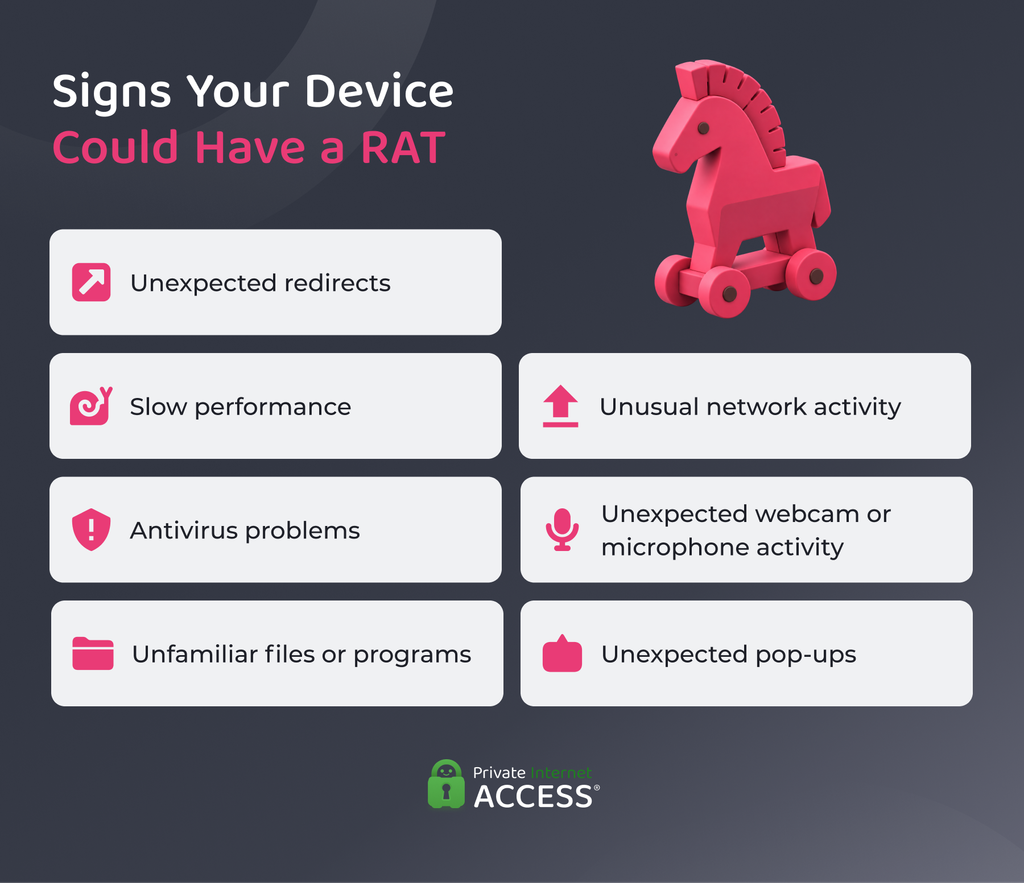
Detecting a remote access trojan can be difficult because RATs operate without drawing attention. Many of the signs are also similar to those caused by other types of malware, software problems, or changes to your device.
Some red flags to look out for include:
- Unexpected website redirects: Your browser may redirect you to unfamiliar websites or pages you didn’t intend to visit.
- Slow or sluggish performance: Your device may become unusually slow, freeze, or use more system resources than normal.
- Antivirus problems: Security software may stop working, become disabled, or behave unexpectedly.
- Unfamiliar files or programs: You may notice applications, files, or processes that you don’t recognize or remember installing.
- Unusual network activity: Your device may send or receive unexpected amounts of data, particularly when you’re not using it.
- Unexpected webcam or microphone activity: A webcam or microphone may activate without an obvious reason, although this can also have legitimate causes.
- Unexpected pop-ups: Unusual pop-ups, warnings, or messages may appear when you aren’t using software that normally displays them.
These signs do not always mean that a RAT is present. But if you notice several unusual changes at the same time, it is worth investigating further and running a malware scan.
How to Remove a RAT on Your Device
If you think a RAT may be on your device, take these steps to limit the attacker’s access.
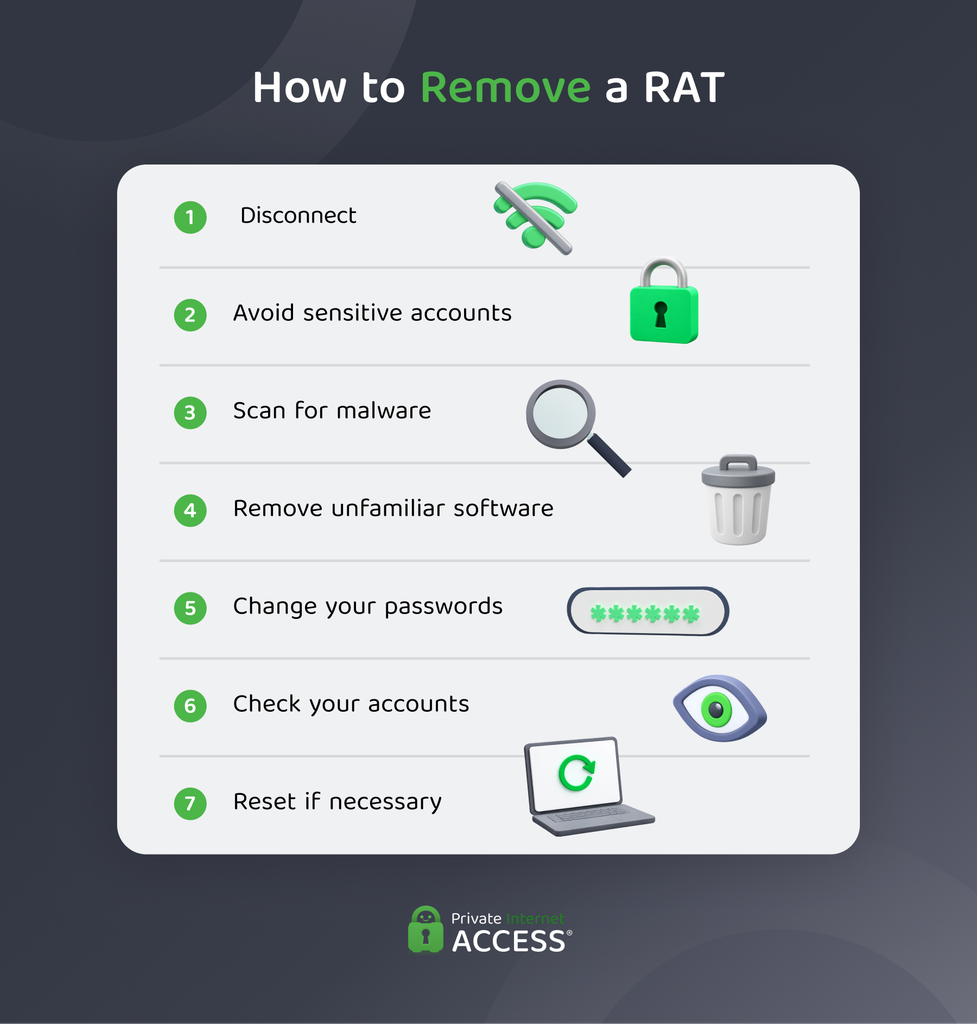
- Disconnect from the internet: Turn off Wi-Fi and unplug the Ethernet cable to interrupt communication with the attacker.
- Avoid sensitive activities: Don’t access banking, email, password managers, or other sensitive accounts until you check the device.
- Run a full malware scan: Use your built-in security software or a reputable antivirus program to scan for and remove malware. If available, an offline or boot-time scan can provide an additional check.
- Remove unfamiliar software: Uninstall programs you don’t recognize or didn’t install. Avoid deleting system files or changing advanced settings unless you know what they do.
- Change your passwords: Use a different, trusted device to change passwords for important accounts, starting with your email and password manager. Enable multi-factor authentication where possible.
- Check your accounts: Look for unfamiliar logins, password changes, or financial transactions. Contact your bank immediately if you discover suspicious activity.
- Reset or reinstall the device if necessary: If the malware can’t be removed or keeps returning, a factory reset or operating system reinstall may be necessary.
How to Prevent a RAT
Good cybersecurity habits can reduce the chances of a RAT getting onto your device. Be cautious about unexpected messages, downloads, and offers that seem too good to be true. If something looks suspicious, don’t take the risk.
- Avoid suspicious links and attachments: Be cautious of unexpected messages, particularly those creating urgency or asking you to download a file or provide information.
- Download software from trusted sources: Stick to official websites and reputable app stores, and avoid pirated or unfamiliar downloads.
- Keep your software updated: Install security updates for your operating system, browser, and other software, and enable automatic updates where available.
- Use antivirus and firewall protection: Keep your security software and firewall enabled aand up to date.
- Enable multi-factor authentication: MFA can limit access to your accounts if someone exposes your passwords.
- Cover your webcam: Use a physical cover when the camera isn’t in use to avoid unauthorized access.
- Use network monitoring tools: Businesses can use intrusion detection systems and other tools to identify unusual activity across their networks.
Can a VPN Prevent a RAT?
A VPN can’t block the installation of a remote access trojan (RAT) on your device or remove one that’s already there. You still need malware protection to detect and remove malicious software.
But a VPN can provide an additional layer of protection when you’re using an unfamiliar or public network. It encrypts your internet connection, making it harder for others on the same network to intercept your traffic.
For broader protection, use a VPN alongside up-to-date security software, regular operating system and app updates, and caution when downloading files or opening unexpected links.
Privacy tip: All Private Internet Access (PIA) subscriptions include MACE, a DNS-based blocker that prevents known domains associated with ads, trackers, and malware to load. This can limit your exposure to malicious sites while you browse.
FAQ
What is a remote access trojan?
A remote access trojan is malware that can allow an attacker to view, access, and control parts of a device remotely. The exact capabilities vary depending on the malware, but they can include monitoring activity, accessing files, and collecting sensitive information.
Can a remote access trojan be removed?
Yes, remote access trojan removal usually involves running a full malware scan and following your security software’s instructions. If the malware persists or keeps returning, you may need to reset or reinstall your device.
How do I tell if I have a remote access trojan?
Signs of a remote access trojan are unusually slow performance, unfamiliar files or programs, unexpected network activity, or unexplained webcam or microphone activity. These signs can have other causes, so they don’t mean a RAT is present.
How can I detect a remote access trojan?
Remote access trojan detection is most reliable when you run a full scan using reputable security software. To block a RAT, practice good cybersecurity habits such as keeping your operating system and software updated to help security tools detect known threats.
How to get rid of a remote access trojan?
To get rid of a RAT, disconnect your device from the internet and run a full malware scan. Change important passwords from a trusted device and check your accounts for suspicious activity. If the malware persists, you may need to perform a factory reset or reinstall the operating system.
References:
- PoisonIvy – MITRE ATT&CK®
- RSA explains how attackers breached its systems – The Register
- Coordinated Cyber Attacks Hit Chemical and Defense Firms – SecurityWeek
- Destructive Malware – NCCIC
- Tracking GhostNet:Investigating a Cyber Espionage – Information Warfare Monitor
- DarkComet – MITRE ATT&CK®
- Trojan:MSIL/NjRat.A – Microsoft
- Quasar Open-Source Remote Administration Tool – Cybersecurity & Infrastructure Security Agency
- CrossRAT – MITRE ATT&CK®
