How to Keep Your Phone Safe and Private During the World Cup
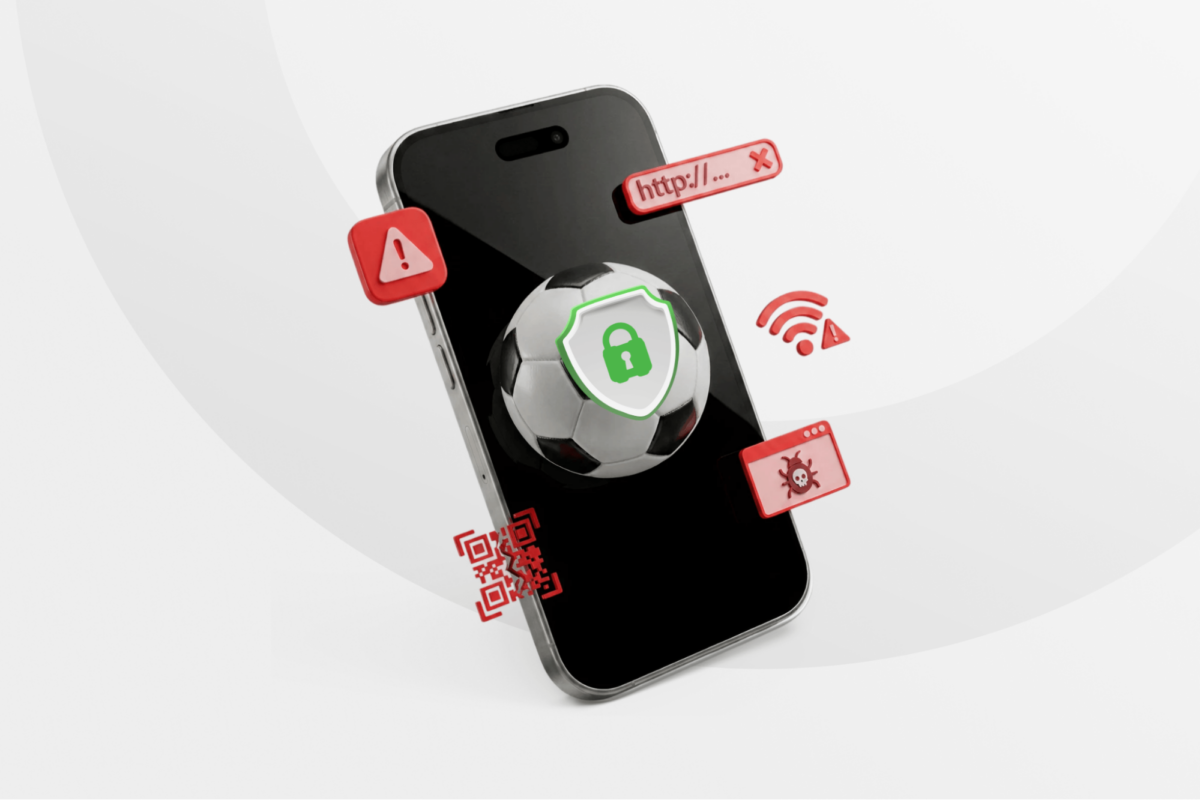
The 2026 World Cup will be the first in history to take place across three countries and feature 48 national teams. Millions of fans will rely on their phones throughout the tournament, whether for tickets, maps, messaging, mobile payments, or live updates.
Large international events present a unique opportunity for scammers and cybercriminals looking to target travelers through fake apps, phishing sites, risky Wi-Fi networks, and other mobile threats.
If you’re attending the World Cup or following the tournament while traveling, this guide covers the most common phone security risks and practical ways to help protect your data and devices.
World Cup Phone Safety: Common Risks and Vulnerabilities
Losing your phone to a pickpocket isn’t the only risk you might face during the World Cup. Here are some things to look out for to improve your safety.
Fake World Cup Apps
World Cup tickets and tournament updates are usually managed through the official 2026 World Cup platforms. However, some unofficial apps imitate the branding and design of legitimate apps. While they can appear convincing at first glance, they often request unnecessary permissions, collect personal data, and may even redirect you to phishing websites designed to steal your personal information.
Lookalike Websites
Scammers know that many international travelers need visas and permits to travel or transit through the United States, Canada, and Mexico, and they’ve been replicating government websites to target World Cup fans1.
One common tactic is typosquatting, where malicious actors register domains that look very similar to official sites but include misspellings, different characters, or different domain endings such as “.net” instead of “.com.” Mobile users can be especially vulnerable because small screens make it harder to notice subtle differences in URLs.
Public Wi-Fi
Free Wi-Fi networks at airports, stadiums, hotels, restaurants, and fan zones can be convenient during the World Cup. However, public networks are also a common target for cybercriminals. Some of the most common risks include:
- Man-in-the-middle (MITM) attacks: Attackers intercept data transmitted over unsecured networks to capture login credentials, financial information, or private messages.
- Evil Twin hotspots: Cybercriminals create fake Wi-Fi networks with names similar to legitimate airport, hotel, or stadium connections to trick users into connecting.
- Malicious pop-ups and fake updates: Some public networks may display deceptive pop-ups or fake software update prompts designed to install malware on your phone.
Quishing and Smishing
QR code phishing attacks (quishing) and SMS-based phishing (smishing) are some of the fastest-growing phishing vectors in recent years2, often targeting users through mobile device scanning. It’s very easy for attackers to generate QR codes or SMS messages to scam you. These are usually designed to trick you into entering your credentials, paying for a fake service, exposing your financial information, or downloading malware directly onto your phone.
Compromised USB Ports
Malicious actors also alter public USB charging stations so that they install malware or steal personal data from any phone connected to them. This technique, also known as juice jacking, has been a significant enough risk at airports for the Transportation Security Administration (TSA) to issue warnings in previous years3.
How to Keep Your Phone Safer During the World Cup
While the risks are real, most mobile threats targeting travelers can be avoided with a few smart precautions.
Use Official Apps and Rely on Licensed Broadcasters
Make sure that you download the official app for the World Cup. Download it from the official site or a trusted app marketplace, and double-check the developer’s name, reviews, and number of downloads, as software for such a massive event should have a large number of users. Avoid downloading unknown soccer, streaming, or ticket reselling apps.
Charge Your Devices and Bring a Power Bank
Avoid connecting your charging cable to public USB ports and charging stations to reduce the risk of juice jacking. Instead, fully charge your devices before leaving and bring a power bank, especially if you plan on recording videos, taking photos, or streaming matches throughout the day.
Turn on 2FA
Improve your sports app privacy by making sure all your passwords and credentials are protected under an extra layer of security, especially for your most important accounts. From banking apps to sports apps, it’s always a good idea to increase protection on all platforms that matter to you by enabling two-factor authentication.
Increase Phone Security with a VPN
A VPN helps protect your data by encrypting your connection, making it harder for cybercriminals or other third parties to intercept your traffic. Choose a trustworthy provider that uses strong encryption, such as AES-256. Private Internet Access (PIA) is a solid option, offering automatic Wi-Fi protection, fast servers in 112 countries, a built-in ad, malware, and tracker blocker, and much more.
Turn Off Auto-Connect to Wi-Fi Networks
Go to your phone’s settings and check if it’s automatically connecting to Wi-Fi networks. This feature can feel convenient at times, but can expose you to unsecured or malicious networks without you noticing.
Avoid Clicking on Suspicious Links
Pop-ups and random ads are annoying, especially if you are in a hurry and want to get your ticket or quickly check match results. Malicious actors use situations like this to launch phishing attacks, placing malicious links in banners, ads, and messages that distracted users can easily click on.
Download Important Apps and Tickets in Advance
If your phone’s reception isn’t working properly, you may feel more tempted to join risky networks or click on the wrong link. To avoid unnecessary risks, download your tickets, maps, and other important information before traveling or heading to the stadium, even if you have an eSIM or the network seems safe.
Beware of Bargains
If that hotel, taxi, or match ticket looks too good to be true, it probably is. During massive events like the World Cup, accommodation, events, and services often get more expensive, giving scammers the opportunity to lure victims with unusually cheap offers or fake discounts designed to steal personal information or payments.
Get an eSIM Before Traveling
If you can get an eSIM from a trustworthy provider, do it. Lack of reliable cell signal makes you more likely to be tempted to connect to suspicious networks or rely on unsafe public Wi-Fi while traveling.
Don’t Scan Random QR Codes in Public Places
The message might be catchy, and your curiosity might be piqued, but you should never scan QR codes in public places if you’re not sure that the code is safe. Also, double-check that QR code stickers haven’t been placed over legitimate codes on menus, posters, or public signs before you scan them.
FAQ
Are official World Cup apps safe to download?
Yes, official World Cup apps are safe to download, but you must make sure that you’re using the right one. Malicious actors have been building lookalike apps that can collect your data, steal your financial credentials, or inject malware into your phone.
How can I spot a fake World Cup app or scam ticket text?
Cybercriminals use multiple scamming techniques, but you can usually avoid most of them if you know how. For apps, double-check the developer, reviews, number of downloads, or branding details like logo and colors before hitting the download button. Scam emails or texts usually urge you to take action, suggest suspicious payment methods, or offer appealing promos for very cheap tickets. Use your discretion, and always check that links point to a legitimate address before clicking.
What permissions do sports and tournament apps actually need?
Sports and tournament apps usually require only a few essential permissions, such as network access, notifications, and maybe the camera for QR scanning. However, always be wary of requests like full access to your photo library, microphone, and precise location. It’s generally good practice to share as little as possible with any app you install on your device.
Is it safe to log into ticketing or sports accounts on my phone during the World Cup?
Yes, but only if you follow general phone safety tips, like using the official World Cup app and trusted websites, making sure you’re typing the right URL, and using your mobile data for sensitive data instead of public Wi-Fi. Also make sure that someone nearby isn’t looking at your screen, and that your apps and operating system are up to date.
How do I protect my phone if it gets lost or stolen during World Cup travel?
You can apply different strategies for keeping your phone safe, like adding a PIN for unlocking and enabling location features like Find My on iPhones and Google Find My Device on Android. Always use biometric authentication or 2FA to log in so that if your phone gets lost or stolen, thieves can’t easily access your personal information.
Can a VPN affect HTTP/3 performance or connectivity?
Yes, but the impact will depend on your VPN provider. You’ll usually get the best HTTP/3 results using a VPN that supports WireGuard or OpenVPN UDP protocols, as well as connecting through a nearby, low-load server. PIA VPN is an excellent choice due to its highly customizable VPN apps and fast servers across 140+ global locations.
References
