What Is Throughput and How Is It Different from Bandwidth?
If your video keeps buffering, your downloads crawl, or your game feels laggy even though your internet plan promises fast speeds, the culprit is usually throughput – the real-world data speed you’re actually getting, as opposed to the maximum speed you can achieve with your connection.
Along with bandwidth, throughput is one of the biggest factors determining your internet speed. In this post, we’ll look at what throughput actually means, the factors that can affect it, what’s considered a “good” internet speed, and how you can improve it to have a better online experience.
Table of Contents
What Is Throughput?Throughput vs. Bandwidth at a Glance
Throughput vs. Bandwidth: Why the Difference Matters
Why Is Your Throughput Usually Lower than Your Bandwidth?
How to Test Your Throughput
How to Optimize Network Throughput and Bandwidth at the Same Time
FAQ
Throughput Explained
Throughput is the actual amount of data that successfully moves through a network over a given period of time.
This is the Mbps reading that you’ll see when you run a speed test on your internet connection and is usually what people are really talking about when they mention internet speed (and sometimes even bandwidth).
Throughput tells you how much data is moving, in real time. For example, if your internet plan offers 100 Mbps of bandwidth but a speed test shows only 60 Mbps of that is making it to your device, your throughput is 60 Mbps.
The higher the throughput on your network, the more quickly data is being transferred to and from your devices, allowing fast page load times, smoother streaming, and lag-free gameplay.
Throughput vs. Bandwidth at a Glance
| Bandwidth | Throughput |
| Maximum capacity | Actual delivered speed |
| Theoretical | Real-world |
| Set mainly by ISP | Affected by congestion, latency, hardware |
| Usually higher | Usually lower |
Throughput vs. Bandwidth: Why the Difference Matters
While throughput tells us how much data actually travels over a network, bandwidth is the maximum amount of data that can move through your internet connection in a given amount of time.
You can think of bandwidth like a highway: the more lanes on the highway, the more cars (or data) can travel that route at once without causing a traffic jam. This means that a higher bandwidth connection can handle more simultaneous activity (e.g. streaming, gaming, or general browsing) without slowing down.
Understanding the difference between bandwidth and throughput can help you to see why your internet connection sometimes feels slower than you think it should.
Even with a high-bandwidth plan, your throughput might suffer if something is slowing down the flow of data, like network congestion, old hardware, or weak Wi-Fi signal. That’s why knowing your throughput is one of the best ways to judge the genuine health and performance of your internet connection.
If bandwidth is the ceiling, throughput is how close you actually get to it day to day.
Why Is Your Throughput Usually Lower than Your Bandwidth?
Your bandwidth sets your connection’s maximum capacity, but a handful of everyday factors determine how much of it actually reaches you as throughput. Some come down to what you’re paying for and who else is sharing the line; others come down to what’s happening inside your own network at any given moment.
What Affects How Much Bandwidth You Have?
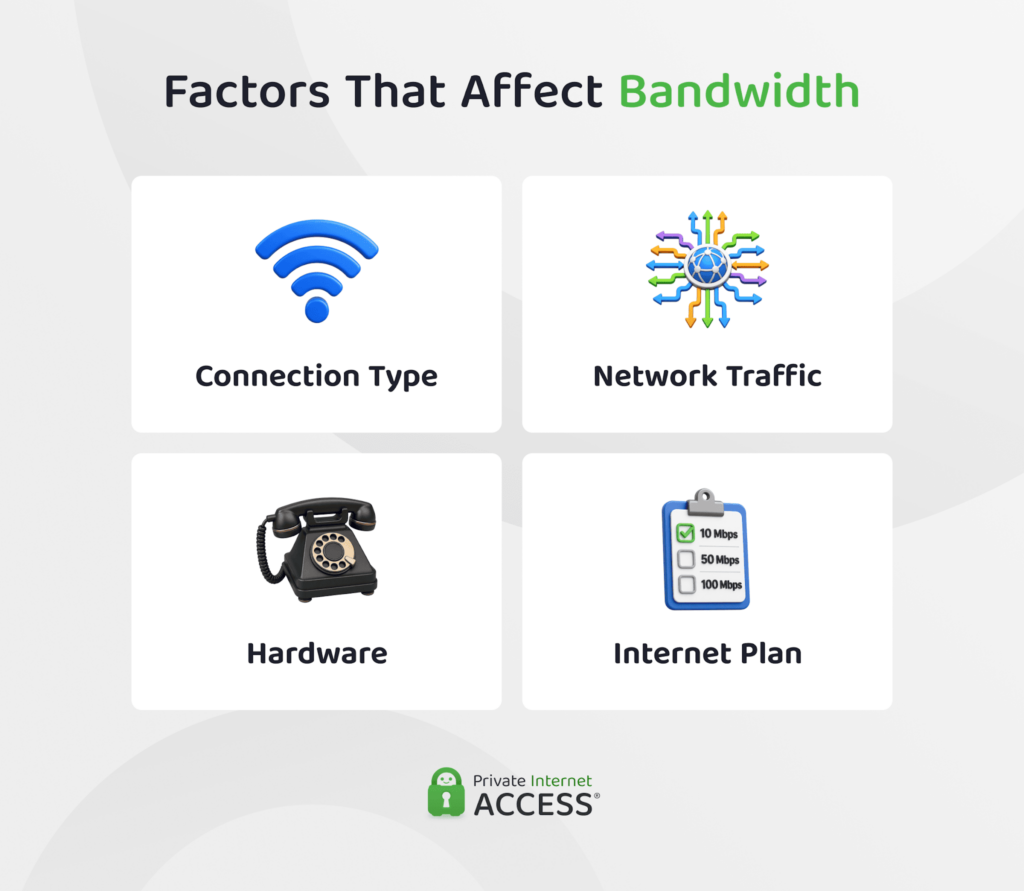
When you sign up for a particular internet package, your ISP agrees to provide you with a certain number of megabits of bandwidth and might cap your speeds depending on what you’re paying for or how much data you’re using.
How many people are using the internet at the same time (whether in your household or further afield) also makes a difference. During peak hours, like evenings or weekends, your provider might be dealing with heavy demand from other users in your area. This can reduce the bandwidth available to you, even if your plan technically allows for more.
The type of connection you’re on matters, too. Fiber optic connections usually provide more bandwidth than older technologies like broadband or satellite, which can be vulnerable to slowdowns or data limits.
What Factors Affect Your Network Throughput?
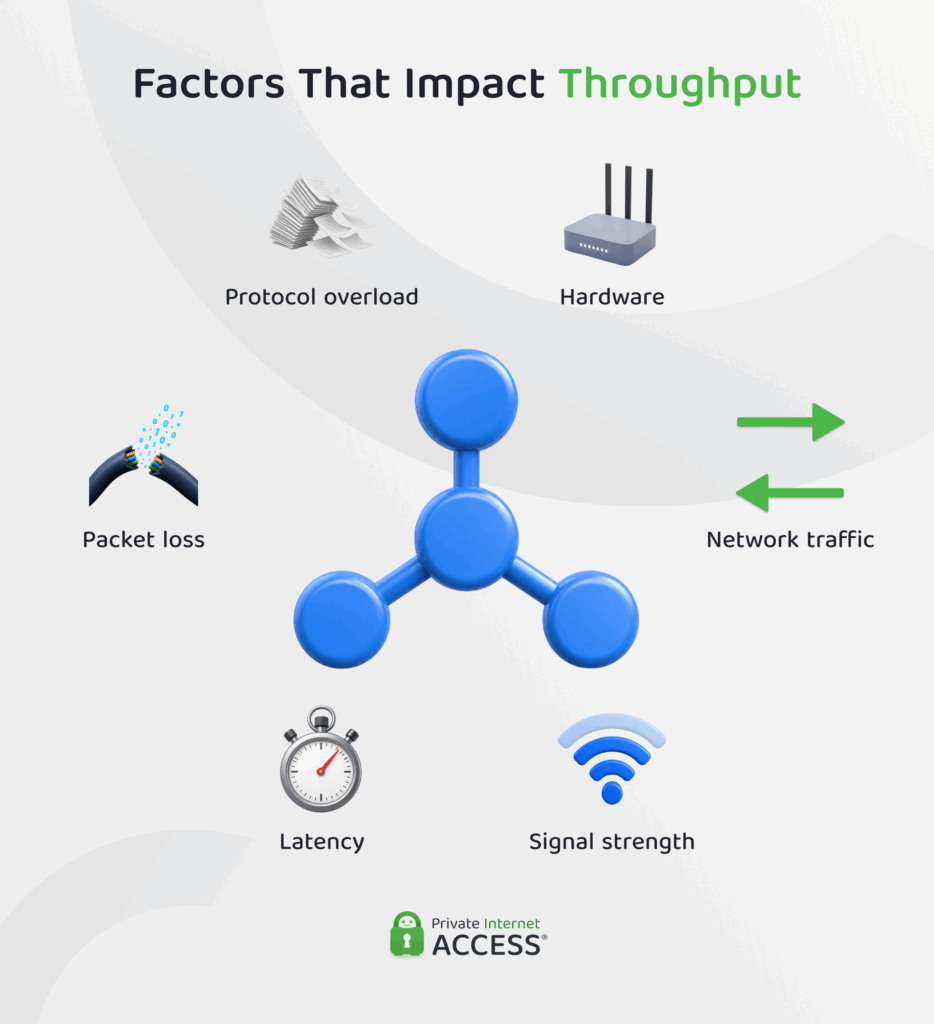
Within bandwidth’s constraints, a separate set of factors determines how much of it you actually get. Network traffic is one of the biggest. If multiple users or devices are downloading, streaming, or gaming at the same time, there will be less efficient data flow and the feeling of a slower connection. A wired connection typically holds up better under this kind of load than Wi-Fi.
Your Wi-Fi signal strength also plays a role. Weak or unstable wireless signals mean that data has to be re-sent continuously, which slows down the transfer process and your perceived speed.
The same is true for latency (delay in data transmission) and packet loss, where bits of data are dropped during sending. Both of these reduce throughput because your network has to resend information, making things feel sluggish.
Aging equipment compounds all of this. Older routers, underpowered modems, and network adapters that don’t support current speed standards can all limit the amount of data your network is capable of moving, regardless of what your plan promises.
Behind the scenes, the extra data needed to manage and structure communications between your device and the internet also eats into your throughput. Even though protocol overhead is invisible to you, this traffic can reduce the data capacity available for what you want to do online.
How to Test Your Throughput
The number that your ISP advertises (and you pay) for a particular package usually reflects the maximum potential of your line rather than what you experience day to day. To get a more accurate picture of how your connection is really performing, it’s a good idea to run a speed test yourself.
1. Navigate to a reputable speed test site like Speedtest.net, Fast.com, or TestMy.net on a device that’s connected to your network via Ethernet (this helps to avoid any potential Wi-Fi fluctuations).
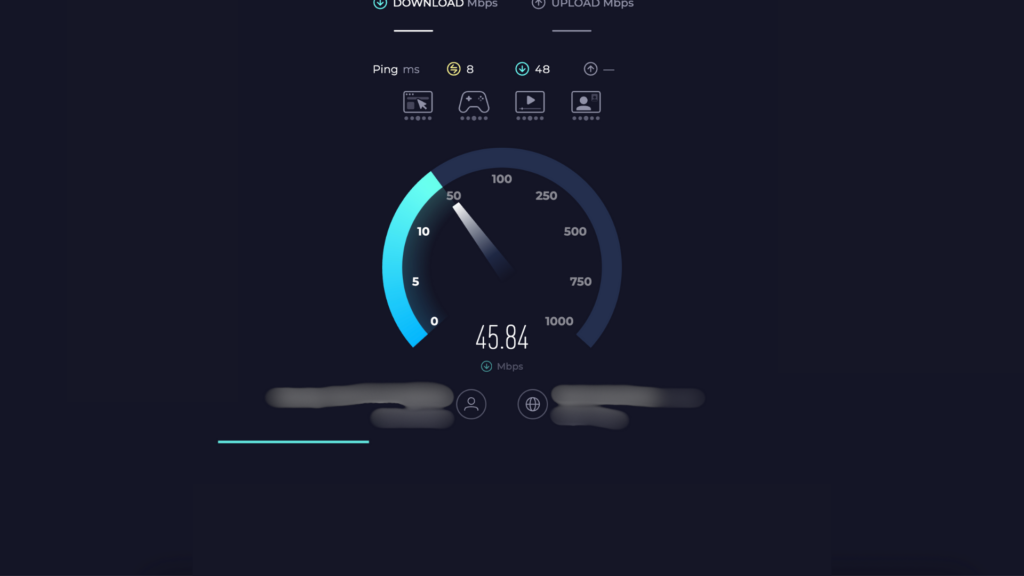
2. Run the test and check internet speed for downloads and uploads, as well as ping. It’s best to do this a few times to get an accurate measure.
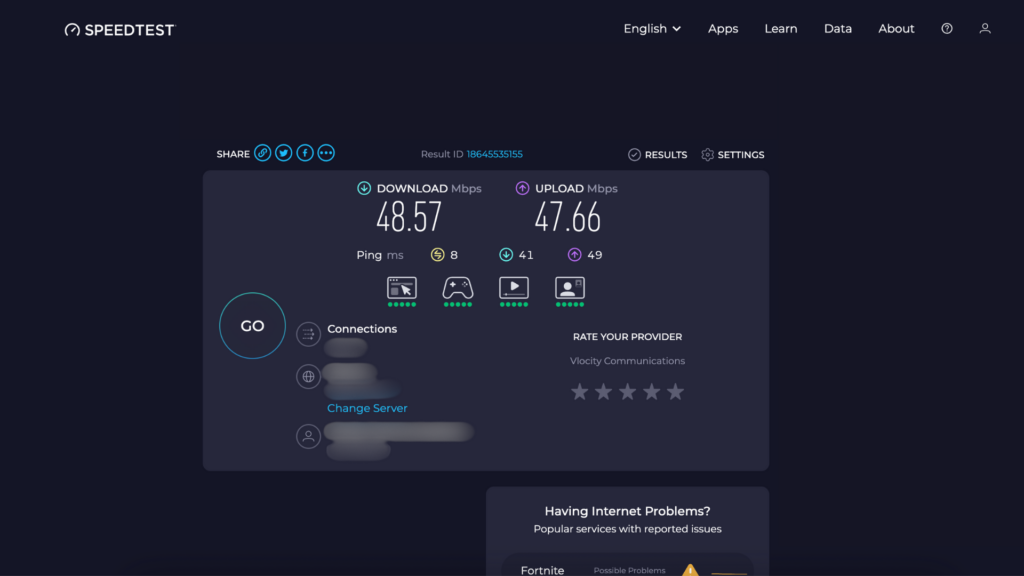
3. Compare your results to the speed promised by your ISP. Results within 10% to 20% of what your provider advertises for your line indicate that your connection is performing well.
Tech Tip: What a speed test actually reports is your throughput, not your bandwidth. You can learn more about throughput vs. bandwidth in our section above.
How Much Throughput Do You Need?
Measuring your throughput is an important step, but whether your internet speed is “good”depends on how you’re using your connection. Here are some examples of typical line speeds and what they’re best for:
- Up to 25 Mbps: Basic browsing, email, social media, and standard- or high-definition (HD) video streaming on a single device.
- 25 to 50 Mbps: Smooth HD and 4K streaming, casual gaming, and video calls on a single device.
- 50 to 100 Mbps: Simultaneous browsing, email and social media usage, as well as HD streaming on multiple devices.
- 100+ Mbps: 4K video streaming, gaming, and other data-intensive tasks for multiple users or devices simultaneously.
The number of megabits that can move through your connection is only one factor, though. A connection plan that can accommodate your data needs, the number of users connecting, and fits your budget will always be a better option than simply opting for one that offers the highest internet speed.
How to Optimize Network Throughput and Bandwidth at the Same Time
Bandwidth and throughput measure different things, but they’re closely connected and many of the steps you take to improve one will help the other. Below are a few practical strategies that can help you optimize both at once before drilling down into specifics for each category.
| Action | Things to Do | Bandwidth | Throughput |
| Check equipment | Replace outdated routers and modems Use Ethernet instead of Wi-Fi where possible Check that cables support gigabit speeds | Ensures your hardware supports the speeds your plan offers and doesn’t create artificial bottlenecks. | Reduces internal friction, allowing data to move faster and more reliably across your network. |
| Prioritize traffic | Set up QoS rules Limit non-critical background processes Use separate networks for smart devices and workstations | Reserves bandwidth for higher-priority tasks, reducing competition from low-importance activity. | Keeps time-sensitive data flowing smoothly, improving consistency for calls, streaming, and gaming. |
| Minimize packet loss and latency | Shorten cable lengths where possible Avoid Wi-Fi dead zones and interference Use modern protocols like HTTP/2 or QUIC | Prevents wasted bandwidth from dropped or delayed packets needing to be resent. | Increases efficiency by helping data reach its destination quickly and without interruption. |
| Monitor performance | Test regularly at different times of day Identify usage patterns and peak times | Helps you identify bandwidth-hungry devices or times of day when usage spikes. | Surfaces inconsistencies and performance issues early so you can make targeted improvements. |
How to Increase Throughput on Your Network
Throughput is shaped by how well your network is able to handle traffic, prioritize tasks, and keep delays and dropped tasks to a minimum. Here are a few ways you can ensure that data flows efficiently across your network to close the gap between your bandwidth and your actual internet speeds:
- Segment your network: Divide your network into separate zones to prevent cross-over between devices that are handling data-intensive and simple activities.
- Minimize latency: Switch to an Ethernet connection or reduce the physical distance between your device and your router, and disallow network hops.
- Adjust quality of service (QoS) settings: Use your router’s QoS controls to prioritize important traffic.
- Shape traffic: Control how different types of traffic are handled across your network to avoid bottlenecks and smooth out spikes in demand.
- Upgrade your network hardware: Replace outdated routers, switches, or cabling with equipment that supports higher data throughput and modern performance standards.
- Use efficient protocols: Enable faster or more lightweight protocols (e.g. HTTP/2 or QUIC) to reduce unnecessary overhead data transfer.
- Enable load balancing: Distribute traffic across multiple network paths or internet connections to prevent overload on a single route.
- Manage bandwidth usage: Identify and limit bandwidth-heavy applications that may be impacting your network’s overall performance.
- Test and monitor regularly: Use tools to measure throughput to detect issues early and make informed decisions about optimizing performance.
How to Increase Bandwidth
There are a few things you can do to reduce the pressure on your network and make the most of your connection’s raw capacity. Some are quick fixes, while others might require a more permanent change to your internet setup. Think of these steps as raising the ceiling, while how to increase throughput gets closer to it.
- Upgrade your internet plan or switch providers: If your current plan doesn’t offer enough bandwidth or your speeds are consistently poor, you may want to upgrade or consider changing to a new ISP.
- Change your Wi-Fi channel: Wi-Fi networks can interfere with each other, especially when you’re in close proximity to your neighbors. Switching to a less crowded channel (e.g. from 2.4 GHz to 5 GHz or vice versa) can remedy this.
- Reboot your router: Sometimes, turning your router off and back on again can help. A simple restart can clear up memory issues or connection errors that might be slowing down your network.
- Update your hardware and software: Older routers that don’t support modern speed standards and outdated firmware can limit how much bandwidth you can access, so it’s important to keep these somewhat current.
- Close background apps: Some apps and devices use bandwidth even when they’re idle. Shut down unnecessary programs or cloud backups that might be running in the background.
- Disconnect idle devices: Having too many devices connected to a network is one of the most common causes of a slow connection. Removing the ones that aren’t actively being used is a simple way to speed things up.
- Run antivirus and antimalware scans: Hidden malware and other unauthorized software can quietly consume bandwidth, and regular scans can help you to keep your devices clean and running optimally.
- Clear your device cache: Built-up temporary files on your devices can cause apps and browsers to lag. Clearing your cache, cookies, and other files can help your device to load content more efficiently and feel faster.
- Use a VPN: Some ISPs might limit your bandwidth during data-heavy tasks (like streaming). A VPN can help you to bypass this content-based throttling by encrypting your traffic and making it harder for your ISP to see what you’re doing online.
FAQ
What is the difference between bandwidth and throughput?
Bandwidth is the maximum amount of data your connection can move in a given period of time, while throughput is how much data actually travels across the network in that time. In practice, throughput is usually lower than the bandwidth promised by ISPs due to inefficiencies in the network.
How does network throughput affect performance?
Throughput directly shapes how responsive your internet connection feels. Higher throughput means more data reaches you quickly and reliably, so pages load faster and video streams more smoothly. Lower throughput can cause lag, buffering, and slow downloads.
Throughput vs bandwidth: which matters more for speed?
Both throughput and bandwidth matter for speed, but throughput tends to be a better indicator of real-world speed. Bandwidth sets a ceiling for how quickly data can be transferred to and from your devices, but throughput shows what speeds you’re actually getting.
Can using a VPN impact network throughput?
Yes. Using a VPN can affect throughput because it encrypts and reroutes your traffic through a remote server, which adds overhead to the data transfer process. That’s why it’s important to choose a VPN with a large server network and fast connection speeds.
