What Are DNS Attacks? How They Work and How to Stop Them
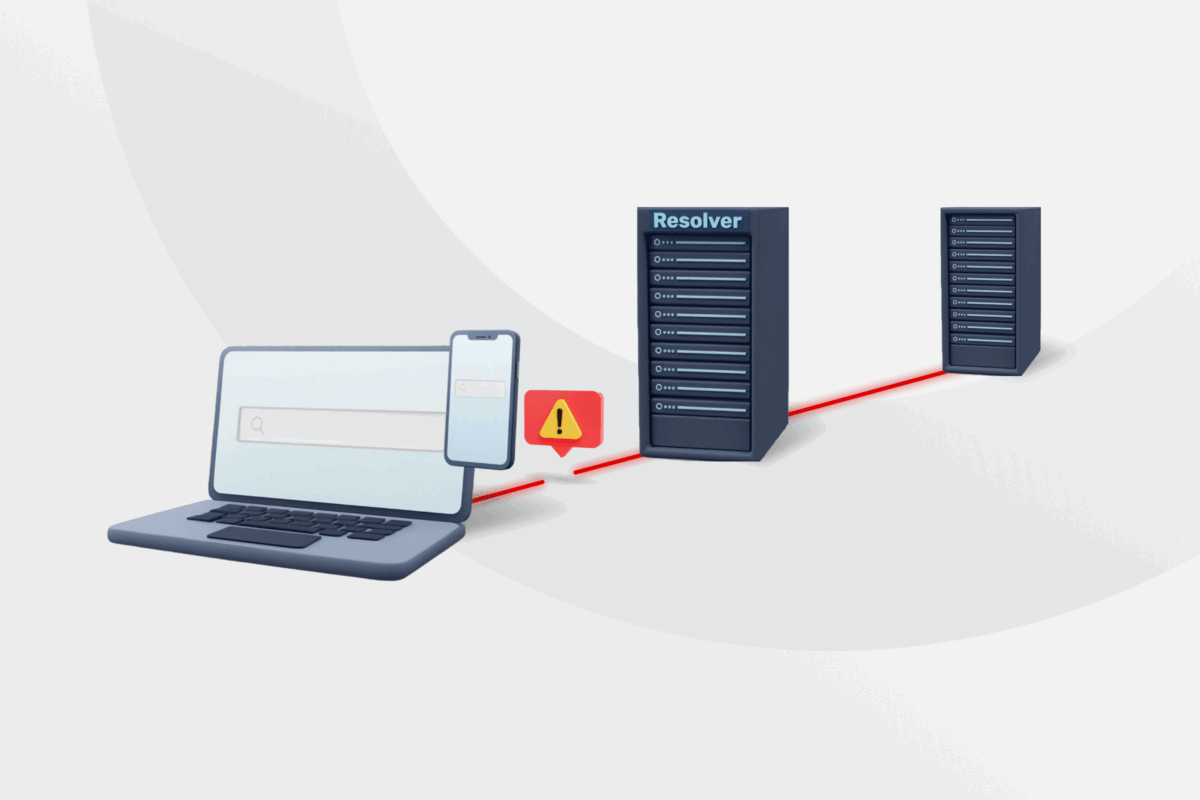
Every time you type a website name into your browser or use a service online, you rely on the Domain Name System (DNS) to get you there.
Cybercriminals often search for weak points in this system. They launch DNS attacks to knock networks offline, intercept data, or redirect you to dangerous web pages.
In this guide, we explain how DNS attacks work and break down the most common types. We also show you how to spot the warning signs and how to avoid these threats.
What Are DNS Attacks?
DNS attacks are deliberate attempts to disrupt or hijack the Domain Name System (DNS). Instead of targeting your personal device or a specific website’s content, cybercriminals target the underlying infrastructure that routes internet traffic.
Because these attacks occur within the internet’s name-resolution process, they often go unnoticed by everyday users until the damage is already done.
How Do DNS Attacks Work?
To understand how cybercriminals pull these attacks off, you first need to know how a normal connection happens.
How DNS Works
When you type a web address, your device doesn’t automatically know where that site lives. It needs to find the exact numerical IP address to load the page. Here is how that standard process works:
- You initiate a request: You type a website name into your browser.
- The resolver steps in: Your device sends this name to a DNS resolver. This resolver acts like a digital switchboard operator, tasked with finding the matching IP address.
- The system checks its cache: To save time, the resolver checks its stored cache to see if it already knows the IP address from a recent visit.
- The server fetches the data: If the IP address isn’t cached, the resolver queries DNS hierarchy servers until it reaches the authoritative server.
- The connection completes: The resolver sends the legitimate IP address back to your browser, and the website loads.
Where the Vulnerability Lies
The DNS framework was built for maximum speed, not strict security. Although modern resolvers now use several defenses, traditional DNS lacked built-in authentication mechanisms, so resolvers could not verify the origin or integrity of responses.
Attackers exploit this lack of verification in two main ways:
- Flooding the system: They overwhelm the server with massive amounts of fake requests. The server uses all its processing power trying to answer them, causing the website to slow to a crawl or crash entirely.
- Poisoning the results: They intercept the routing process and feed the resolver a fake IP address. The resolver caches this fraudulent data, silently redirecting your traffic to a malicious website instead of the one you requested.
Enterprise DNS infrastructure can also face more specialized attacks, such as unauthorized zone transfers (AXFR), which may expose internal domain and subdomain information if the server is misconfigured.
Types of DNS Attacks
Cybercriminals use different methods depending on their goals. Here is a breakdown of the most common threats and how they operate.
DNS Flood Attack
A DNS flood attack aims to overwhelm a server with sheer volume. Attackers send thousands of fake DNS queries per second until the server exhausts its resources.
Because these requests look like regular traffic, the server tries to answer all of them. Its processing power spikes, memory fills up, and response times climb until the server crashes.
Attackers usually use botnets (massive networks of compromised devices) to launch these floods. While one device sending requests is manageable, tens of thousands firing at once can take down major online platforms.
DNS Amplification Attack
A DNS amplification attack takes a different approach. Instead of raw volume, it uses open DNS resolvers as unwitting middlemen to turn a tiny request into a massive wave of traffic.
This attack is possible because traditional DNS primarily uses UDP, a connectionless protocol that doesn’t verify the sender’s IP address before replying. The attacker sends a small query to a public resolver but fakes the source IP address to make it look like the request came from the victim. The trick is in the response size: the attacker asks for the largest possible DNS record.
The resolver then dumps this huge DNS response onto the victim’s network. A relatively small spoofed query can trigger a response many times larger, quickly destroying the target’s bandwidth.
DNS Query Flood
Standard floods can sometimes be absorbed by caching, but a DNS query flood bypasses this defense. This type of DNS attack is also known as random subdomain attack, NXDOMAIN flood, and water torture attack.
Attackers flood the server with requests for random, non-existent subdomains. Because these domains don’t exist, the resolver can’t rely on its stored cache to quickly answer the request.
Instead, the attack forces the resolver to repeatedly perform full recursive lookups. This triggers an endless stream of “domain does not exist” errors, draining the server’s processing power until it goes offline.
DNS Hijacking
DNS hijacking is a manipulation tactic. The goal isn’t to knock a server offline but to redirect your traffic without you noticing.
The attacker changes your DNS settings so that when you type in a legitimate web address, you land on a convincing fake. These replica sites are built specifically to steal your passwords or credit card details.
Cybercriminals can pull this off by compromising your home router or altering domain records at the administrative level. Because your browser connects successfully and the page looks correct, you may not notice your connection was hijacked.
DNS Cache Poisoning
Also known as DNS spoofing, DNS cache poisoning targets the feature designed to make your internet fast.
Instead of changing underlying settings, the attacker attempts to inject a fraudulent IP address into a resolver’s cache by exploiting weaknesses in the DNS response validation process. This is harder in modern systems due to built-in protections like randomized query identifiers and other verification checks, but it can still succeed under certain conditions.
Once that fake record is stored, the resolver automatically serves the corrupted answer to anyone asking for that website. The attacker doesn’t even need to actively intercept your traffic. The poisoned cache does the dirty work automatically, misdirecting thousands of users until the time limit on the cache expires.
How to Detect a DNS Attack
The earlier you identify an attack, the faster you can stop it. Whether you are browsing at home or managing a network, here are the most reliable indicators we recommend watching for:
- Slower-than-normal load times: If web pages suddenly take forever to load or requests frequently time out, the DNS resolver might be struggling to process a flood of fake traffic.
- Unexpected redirects and security warnings: You type in a trusted URL, but your browser loads a different page or flags the connection as not private. This is a massive red flag for DNS hijacking or cache poisoning.
- Unexplained server resource spikes: For those managing network infrastructure, a sudden, sustained spike in DNS server CPU or memory usage – without a legitimate traffic event – is a direct indicator of stress.
- A flood of NXDOMAIN errors: A sudden surge in “domain does not exist” responses, especially for randomized or nonsensical subdomains, strongly indicates a query flood is actively trying to bypass your cache.
- Anomalous traffic patterns: If your monitoring tools show a massive, sustained volume of queries coming from unexpected IP ranges or geographic regions, you are likely looking at an amplification or flood attack.
- Services dropping offline for no obvious reason: If a website goes down but your server logs show no crashes or deployment issues, the DNS layer is likely where the problem lies.
How to Stop DNS Attacks
Because cybercriminals target different vulnerabilities, there is no single switch you can flip to stop every threat. Effective DNS DDoS mitigation requires layering multiple defenses so that if an attacker bypasses one, the others still hold the line.
DNS Mitigation for Networks and Servers
If you manage a network or website, your focus should be on server-side infrastructure and data verification. Here are the most effective ways to build your defense:
- Apply rate limiting: Configure your server to cap the number of queries it accepts from a single IP address. A specific variant, Response Rate Limiting (RRL), limits how often your server sends identical responses, which helps neutralize amplification attacks.
- Use anycast routing: Distribute your incoming DNS traffic across multiple global servers sharing the same IP address. If a flood attack hits, the network spreads the malicious traffic across the globe, minimizing the chances of a single server crashing.
- Implement DNSSEC: The Domain Name System Security Extensions (DNSSEC) adds a cryptographic signature to your records. Resolvers verify these signatures before accepting an answer, avoiding cache poisoning attempts.
- Filter open resolvers: Ensure your DNS servers only accept queries from authorized users within your network. Closing open public resolvers reduces a major source of amplification abuse by removing one of the most commonly exploited resources cybercriminals use to launch DNS amplification attacks.
- Set up traffic scrubbing: Use upstream scrubbing services to filter incoming traffic before it reaches your main server. This layer automatically drops malicious data packets while letting legitimate user traffic pass seamlessly.
- Automate anomaly detection: Track your standard query volume, response types, and server resource usage. If traffic suddenly spikes above this baseline, automated tools can flag the anomaly and trigger defensive rules instantly.
DNS Security Best Practices for Personal Connection
You don’t need to be a systems administrator to make your daily browsing more secure. While you can’t stop a botnet from attacking a major website, you can defend against localized threats like DNS hijacking.
Follow these best practices to help protect your devices and keep your internet traffic secure:
- Change your default router passwords: Cybercriminals actively scan for routers using factory credentials. Changing your login details helps prevent them from quietly rewriting your DNS settings to redirect your traffic.
- Keep your devices updated: Software and firmware updates frequently patch the exact security vulnerabilities cybercriminals use to hijack your connection. Always install the latest versions on your devices and home router.
- Enable secure DNS (DoH or DoT): Protocols like DNS over HTTPS (DoH) or DNS over TLS (DoT) encrypt your DNS requests between your device and the DNS resolver. This helps prevent snoops from seeing which websites you’re trying to access.
- Check for HTTPS connections: Always ensure the websites you visit use HTTPS, which is usually indicated by a padlock icon in your browser’s address bar. This signifies that the connection between your browser and the website is encrypted.
- Avoid suspicious links: Phishing emails and malicious messages often contain links designed to trick you or direct you to a poisoned cache. If you don’t completely trust the sender, do not click the link.
- Switch to a trusted DNS provider: Some internet service providers run slow or poorly secured DNS servers. Changing your device settings to use a reputable, privacy-focused DNS provider reduces your risk of hijacking.
- Use a premium VPN: A secure VPN like Private Internet Access scrambles your internet traffic using top-grade AES 256-bit encryption and routes your requests through its own private DNS servers. This helps prevent cybercriminals from intercepting your connection and stealing your data.
FAQ
What are DNS attacks?
A DNS attack is a cyberattack that targets the Domain Name System to disrupt or intercept internet traffic. Cybercriminals exploit vulnerabilities in this system to knock websites offline, steal sensitive data, or redirect your connection to malicious web pages.
What is a DNS amplification attack, and how does it work?
A DNS amplification attack is a threat that uses open resolvers to turn a tiny request into a massive wave of traffic. The attacker fakes the victim’s IP address and asks the resolver for a large DNS response. The resolver then dumps this massive response onto the victim’s network, overwhelming its bandwidth.
What is a DNS query flood, and how is it different from other DDoS attacks?
A DNS query flood is a specific DDoS attack designed to bypass a server’s cache by requesting fake, non-existent subdomains. Unlike standard floods that send repetitive requests, this attack forces the server to perform a full, exhausting search for every unique fake query until its processing power is drained.
What is a DNS flood attack, and what are the signs it is happening?
A DNS flood attack is a volumetric threat where cybercriminals use a botnet to overwhelm a server with thousands of fake queries per second. The primary signs this is happening include unusually slow website load times, frequent connection timeouts, and sudden, unexplained spikes in server CPU or memory usage.
What are the most effective DNS DDoS mitigation methods?
The most effective DNS DDoS mitigation methods involve layering multiple server-side defenses so no single attack can bring the system down. The best strategies include using Anycast routing to distribute traffic globally, applying rate limiting to block excessive queries, implementing DNSSEC for data verification, and using traffic scrubbing to filter malicious packets.
Does using a VPN protect you from DNS attacks or DNS hijacking?
A VPN can help protect your device from localized DNS hijacking and some forms of interception. It can also reduce the risk of local attackers, unsafe Wi-Fi networks, or compromised ISPs tampering with your DNS traffic or redirecting requests. However, it doesn’t protect against phishing links, malicious websites, or attacks targeting the destination service itself.
