What Is an Evil Twin Attack and How Can You Spot One?
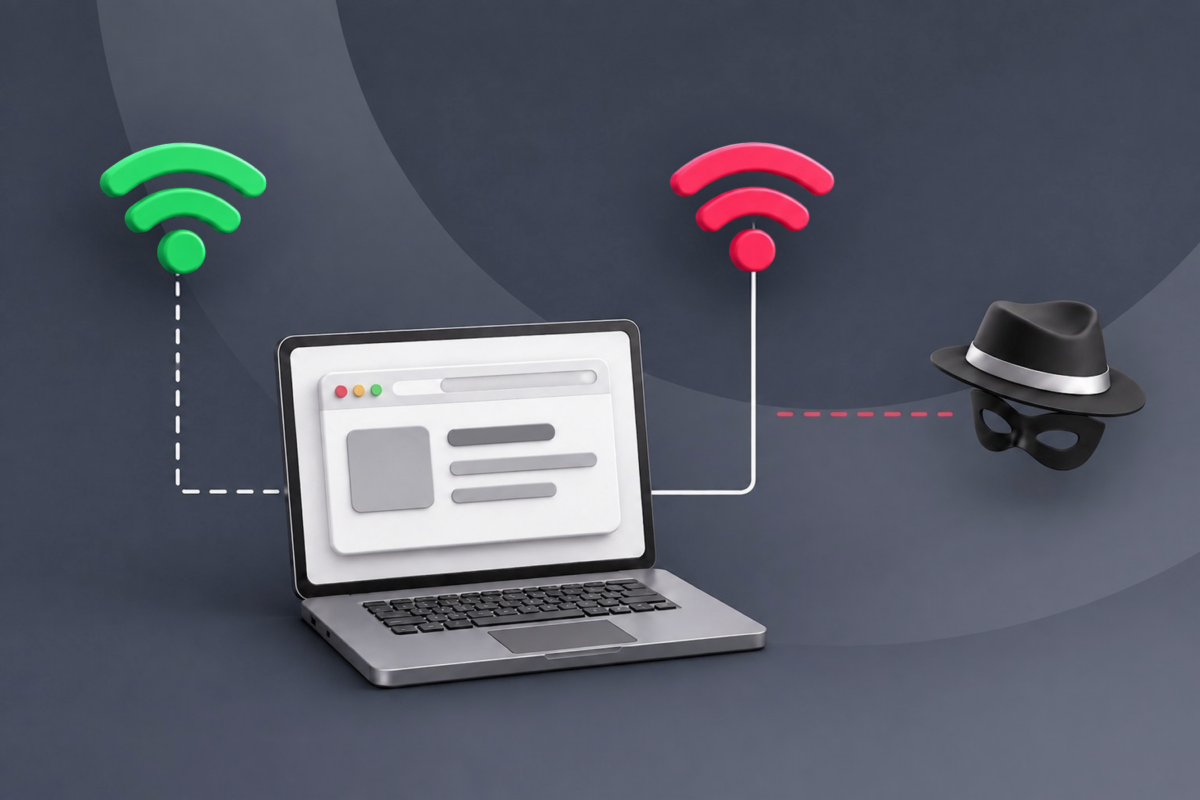
Public Wi-Fi can be convenient, but it can also expose you to risks such as evil twin attacks, where cybercriminals set up a deceptive Wi-Fi network in the hopes that users will connect to the fake Wi-Fi hotspot instead. This can be hard to spot in busy public places, especially if the network has a similar name to a legitimate Wi-Fi connection.
Luckily, there are ways to stay vigilant. We’ll explain how an evil twin attack works, what information it can expose, how to spot a suspicious network, and what to do if you connect to one. We’ll also cover best practices for reducing the risks of using public Wi-Fi.
Evil Twin Attack Explained
An evil twin attack is a cyberattack in which an attacker creates a fake Wi-Fi network designed to resemble one offered by a nearby public venue to trick users or devices into connecting to the rogue network.
How Does an Evil Twin Attack Work?
While the exact process can vary, here’s one example of how an evil twin attack may unfold:
- Find a target: The adversary chooses a busy location with public Wi-Fi, such as a hotel or coffee shop, and collects information about the targeted network.
- Create a rogue access point (AP): The adversary configures a wireless device to imitate the network.
- Get a device to connect: Techniques such as using the same or a similar network name (SSID) may be used, and they may also attempt to disrupt the legitimate connection to prompt a device to reconnect.
- Present a fake login page: A captive portal that mimics the venue’s real login process may be used to collect data such as usernames and passwords. This is a form of phishing.
- Route the traffic: The rogue AP acts as a gateway between the connected device and the internet, allowing the traffic to pass through the attacker’s equipment.
What Information Can an Evil Twin Attack Expose?
What an attacker can see or interfere with depends on how the network protects its connection and traffic. Encryption, such as from HTTPS or a VPN, can limit what is visible to someone operating the rogue network.
If protections are lacking, they may be able to monitor network activity or capture information sent over the connection, including unencrypted messages, personal information, account credentials, and financial information such as banking details.
How To Spot an Evil Twin Network Attack
Evil twin networks can be difficult to identify, and no single indicator necessarily means that a network is malicious on its own. However, several unusual signs together indicate that a Wi-Fi network may require extra caution:
- Network names: Two or more Wi-Fi networks with the same or similar names.
- Signal strength: A network with a stronger signal than another network with an identical or closely matching name.
- Security settings: A network that appears open despite normally requiring a password, or whose security settings don’t match the information provided by the venue.
- Unexpected connection failure: A sudden disconnection followed by a prompt to reconnect or another network with a similar name.
- Login page anomalies: An unfamiliar URL, unusual characters, misspellings, inconsistent branding, or requests for information unrelated to accessing the network.
- Browser alerts: A warning that a website’s certificate is invalid, untrusted, or otherwise unsafe.
Many of these can have legitimate explanations. For example, companies may use the same SSID across multiple wireless access points to expand their coverage, while open or unsecured networks aren’t uncommon with public Wi-Fi despite the additional risks they can pose.
What To Do If You Connect to an Evil Twin Wi-Fi Network
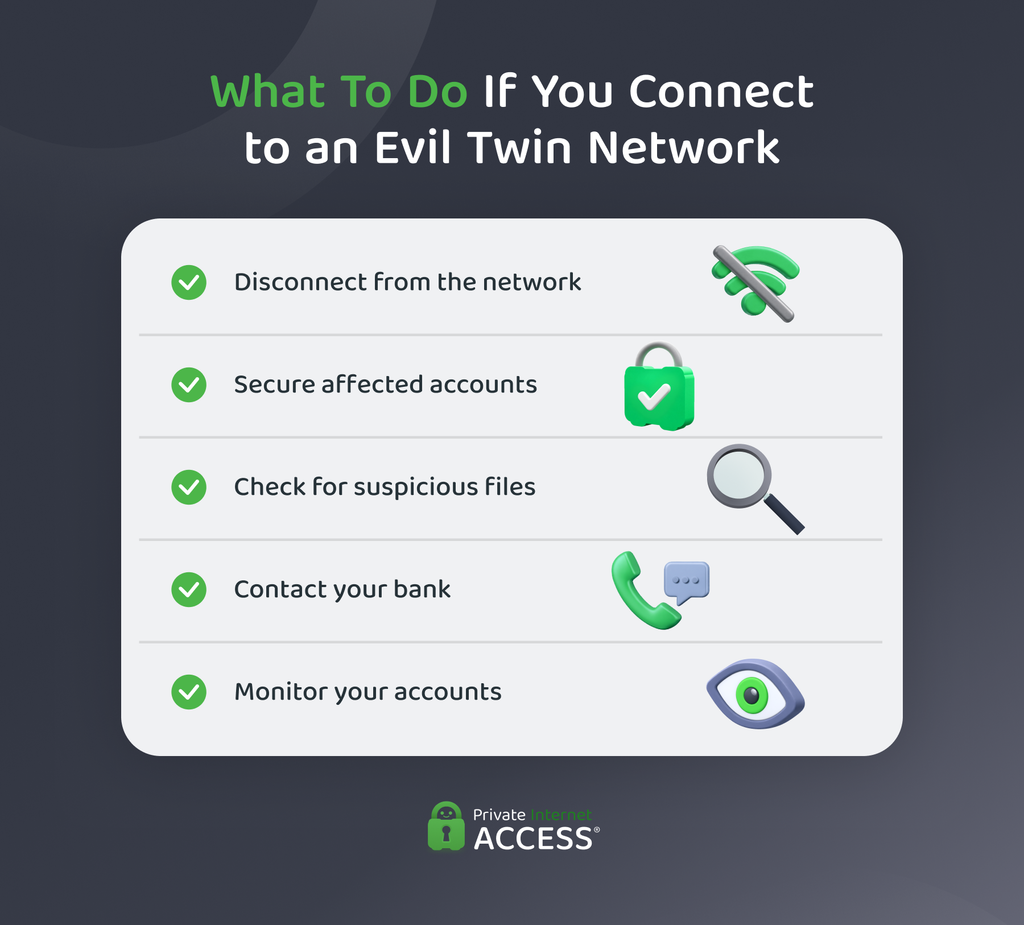
Connecting to an evil twin network doesn’t mean that it’s compromised your device. However, some best practices can help reduce further exposure and address potential security issues if you suspect that you have.
- Disconnect from the network: Turn off Wi-Fi, forget the network in your device settings, and switch to cellular data or another trusted network.
- Secure your accounts: If you entered credentials while connected, change those account passwords from a trusted connection. Change any reused passwords on other accounts and enable two-factor authentication (2FA) where available.
- Check your device: If you downloaded anything suspicious while connected, avoid opening it. Delete suspicious files or applications, and if you suspect malware, run an antivirus scan.
- Contact your bank: If you entered financial information while connected, contact your bank or card provider, particularly if you notice or suspect unauthorized activity.
- Monitor your accounts: Look for unusual logins, password reset requests, transactions, or other security alerts. If you notice suspicious activity, contact the relevant service provider and follow its account recovery guidance.
Related: How to Protect Your Devices and Data from Malware
How To Protect Yourself from Evil Twin Attacks
A few precautions can help reduce the risks associated with using public Wi-Fi:
- Verify the network: Ask staff for the exact Wi-Fi name and any password or connection instructions before connecting.
- Prevent automatic reconnections: Turn off auto-connect for open Wi-Fi networks to reduce the risk of your device connecting without your knowledge.
- Use multi-factor authentication: A second verification step can provide additional account protection if one of your passwords becomes compromised.
- Use encrypted connections: Avoid entering sensitive information over unencrypted connections. Encryption can make it harder for someone monitoring the network to read or modify the data exchanged between your device and the website.
- Keep your device and software updated: Install available operating system, browser, and security updates to address known vulnerabilities that attackers could exploit.
How a VPN Can Help With Evil Twin Attacks
A VPN such as Private Internet Access (PIA) doesn’t prevent an evil twin network from operating or stop your device from connecting to one. Instead, a VPN encrypts traffic between your device and the VPN server, making it harder for someone operating the rogue access point to read that traffic.
PIA also includes additional features that can be useful when connecting to public Wi-Fi. These include:
- Automatic connection: Connect to the VPN when your device joins an open Wi-Fi network, so you don’t have to remember to turn it on manually.
- Kill Switch: If the connection drops unexpectedly, the Kill Switch blocks internet traffic until the VPN restores its connection, helping to prevent traffic from transmitting over the Wi-Fi network.
- MACE: This DNS-based feature blocks domains associated with ads, trackers, and malware, which may help if an evil twin redirects you to a known malicious website.
Related: How Does a VPN Help Protect You on Public Wi-Fi?
FAQ
How does the evil twin attack work?
An attacker creates a fake Wi-Fi network that imitates a legitimate one and attempts to get devices to connect to it. Once connected, the attacker may be able to monitor or manipulate some network traffic.
Is it easy to spot an evil twin attack?
Not always. A fake network can look legitimate and provide a working internet connection. Signs of an evil twin can include duplicate network names or unexpected login pages, especially when other warning signs are present.
What type of attack is an evil twin AP attack?
An evil twin attack is a wireless network attack that uses a fake access point to impersonate a legitimate Wi-Fi network. It can also facilitate follow-on attacks such as phishing or traffic interception.
Can someone hack into my Wi-Fi without me knowing?
An evil twin attack doesn’t involve breaking into the legitimate Wi-Fi network. Instead, an attacker creates a separate fake network that imitates it, often where people expect public Wi-Fi, and tries to get devices to connect to it.
