Instagram Hacked? How to Spot an Attack and Recover Your Account
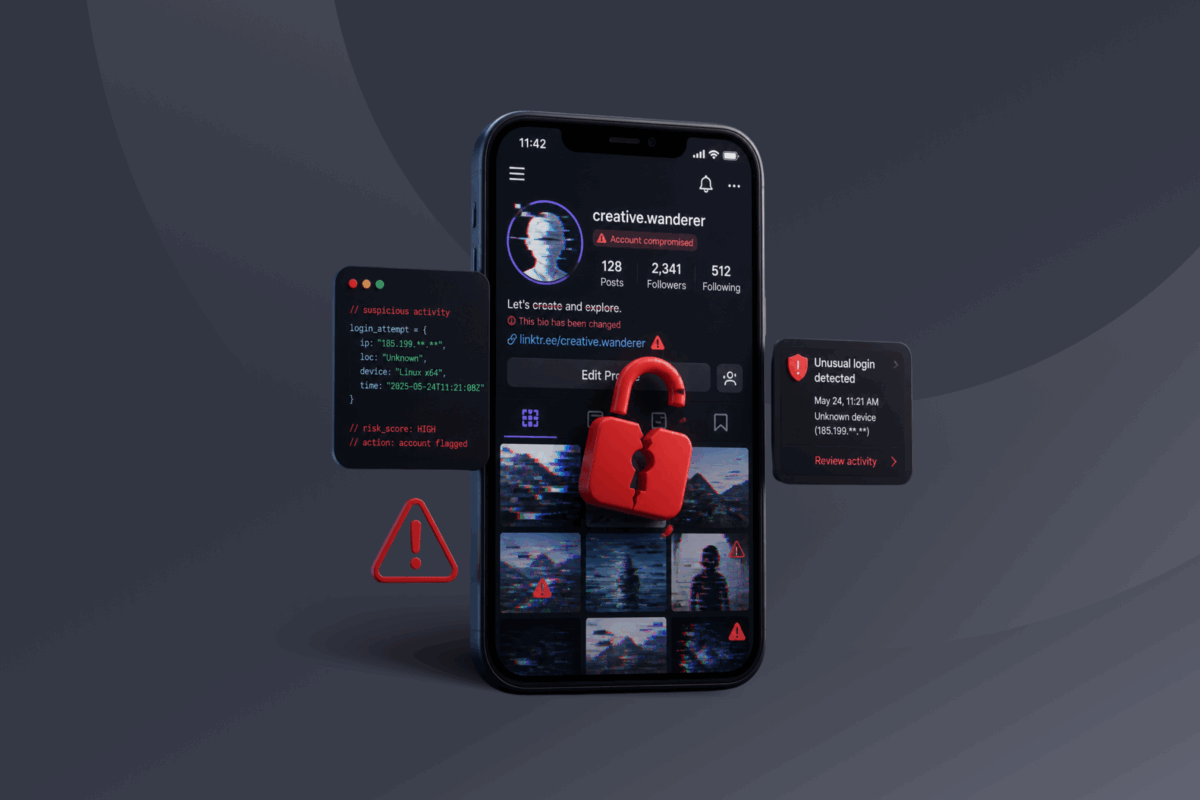
Having your Instagram hacked can feel surprisingly personal. Someone may be reading your DMs, posting under your name, or using the trust you’ve built with followers to spread scams. You might not even know how they got in or whether you can get it back.
An Instagram account hack looks different for everyone. You may still have access but notice unfamiliar activity, or you may be locked out after the attacker changed the password, email address, and phone number.
This guide explains how to recognize the signs your Instagram was hacked, recover the account in different situations, limit the damage, and reduce the risk of another takeover.
- Quick Reference: How to Secure a Hacked Instagram Account
- Signs Your Instagram Was Hacked
- How to Recover a Hacked Instagram Account
- What to Do After Recovering Your Instagram Account
- How Do Instagram Accounts Get Hacked?
- How to Prevent Another Instagram Hack
- Can a VPN Help Protect Your Instagram Account?
- FAQ
Quick Reference: How to Secure a Hacked Instagram Account
While we can’t cover every eventuality in a quick guide section like this, the following steps should get you out of trouble in most scenarios:
- Change your Instagram password if you can still log in.
- Confirm that your email address and phone number are correct.
- Review your login activity and sign out unfamiliar devices.
- Remove suspicious third-party apps and linked accounts.
- Turn on two-factor authentication (2FA).
- Check for posts, messages, or ads you didn’t create.
- Warn followers not to trust suspicious messages sent from your account.
- Use Instagram’s official recovery process if you’re locked out.
Signs Your Instagram Was Hacked
Some signs are obvious, such as not being able to sign in after someone changed your login details. Others are subtler and point to an attacker with long-term goals. Here are things to watch for:
- Your password suddenly stops working.
- Your email address or phone number changes.
- You receive login alerts from unfamiliar devices.
- Posts, Stories, Reels, or comments appear without your approval.
- Your account sends DMs you didn’t write.
- You start following unfamiliar accounts.
- Your username, bio, profile photo, or link changes.
- Unknown devices appear in your login activity.
- Friends receive suspicious links or requests from you.
- You notice unauthorized ads or charges connected to the account.
If you receive a password reset email, that doesn’t necessarily mean someone accessed your account. The scammer may have entered your username or email address into Instagram’s reset form without getting any further. Don’t approve a request you didn’t make or share the code with anyone.
How to Recover a Hacked Instagram Account
Act quickly to stop the attacker from making further changes. Instagram account recovery depends on whether you can still log in and access the email address or phone number connected to it.
If You Can Still Access Your Account
If you’re still logged in on any device, use that access to secure the account. Don’t log out until you’ve completed the following steps:
- Change your Instagram password: Create a strong password you haven’t used for another account.
- Check your contact details: Confirm that the email address and phone number still belong to you.
- Review active sessions: Go to Accounts Center > Password and security > Where you’re logged in and sign out of any device you don’t recognize.
- Turn on two-factor authentication (2FA): This adds another verification step when someone tries to log in.
- Check linked accounts: Remove Facebook or Instagram accounts you don’t recognize from the Accounts Center.
- Remove suspicious apps: Go to your connected apps and revoke access for any you don’t recognize or no longer use.
If Instagram notified you that your email address changed, check the original inbox for a security message that may let you reverse the change.
If You’re Locked Out of Your Account
If the attacker changed your password, visit instagram.com/hacked. Enter the username, email address, or phone number associated with the account and follow the prompts.
Instagram may send a login link or security code to your email address or phone. If possible, start the recovery process from a device you’ve previously used for Instagram.
Once you regain access, change the password, confirm your contact details, sign out unknown devices, and enable 2FA.
If Your Instagram Was Hacked and the Email Was Changed
If the attacker changed the email associated with your account, check the inbox connected to the account for a message from [email protected]. Follow the link labeled Secure my account in that email to try to reverse the change.
If the attacker also changed your password or other account details and you can’t restore the original email address, request a login link or security code from Instagram.
Be careful with unexpected security messages, since scammers may impersonate Instagram. If you’re unsure whether an email is genuine, open the Instagram app and review the official emails Instagram sent you over the previous 14 days.
If You Can’t Access the Email or Phone Number
Open the Instagram app, select Forgot password?, enter your username, and choose Try another way if it’s an option.
Instagram may ask for information about the account or offer another identity-verification method. If your profile contains photos of you, this may include recording a video selfie. Available recovery options vary, so video verification won’t always appear for every account. Remember that Instagram support won’t ask you to send your password or authentication codes through a DM.
What to Do After Recovering Your Instagram Account
Recovering your account doesn’t necessarily prevent the attacker from getting back in. Complete these checks after recovering access.
Secure Your Email Account
Change the password for the email account connected to Instagram, especially if you used the same password for both.
Then:
- Log out of unfamiliar email sessions.
- Check that the recovery information is correct.
- Review recent security activity.
- Remove unknown forwarding rules.
- Turn on 2FA.
Change Reused Passwords
If you used your Instagram password anywhere else, change it on every affected account. Start with email, banking, shopping, cloud storage, and other social platforms.
Use a different password for each account. You can use a password manager app to generate and store unique passwords.
Check Your Instagram Activity
Review your recent:
- Posts, Stories, and Reels
- Comments and likes
- Direct messages
- Followed accounts
- Profile information
- Linked accounts and apps
- Advertising and payment activity
Delete unauthorized content and remove unfamiliar connections. Business and creator accounts should also check Meta Ads Manager for unknown campaigns, users, or charges.
Warn Your Followers
Attackers often use hacked Instagram accounts to send phishing links, promote fake investments, or ask followers for money. These messages may appear trustworthy because they come from someone the recipient knows.
Tell your followers that someone compromised the account and that they should ignore suspicious recent messages or posts. Anyone who entered a password into a link sent from your account should change it immediately.
Check Your Device
If the hack happened after you downloaded an unfamiliar file, app, or browser extension, update your device and run a scan using trusted security software.
Remove software and extensions you don’t recognize. If you suspect malware is on the device, use another trusted device to change your important passwords.
How Do Instagram Accounts Get Hacked?
Attackers usually compromise Instagram accounts by obtaining your credentials or gaining access to an active session, not by breaching Instagram itself.
Phishing
A phishing message directs you to a fake Instagram login page designed to steal your password. It may look like a:
- Copyright complaint
- Verification invitation
- Account suspension warning
- Brand collaboration
- Giveaway notification
- Request to vote for a friend
- Message from Instagram support
Some phishing pages also ask for a verification code, which scammers then use to attempt to access your account before it expires.
Password Reuse
Called credential stuffing, if a breach at another service exposes your password, attackers may test it against Instagram.
Using a unique password for each of your accounts prevents one breach from putting your Instagram account at risk.
Compromised Email
Someone with access to your email account can request a password reset, intercept Instagram alerts, and approve changes to your account.
Your Instagram account is only as secure as the email inbox connected to it.
Malicious Apps and Downloads
Fake follower tools, unofficial Instagram apps, pirated software, browser extensions, and files sent as supposed collaboration materials can steal login credentials or active sessions.
Only install software from sources you trust and review the permissions apps connected to Instagram requests.
Social Engineering
An attacker may impersonate a friend, brand, employer, or Instagram representative and ask you to forward a code sent to your phone.
Passwords, login links, verification codes, and backup codes should always remain private. Someone asking you to forward one may be trying to access your account.
How to Prevent Another Instagram Hack
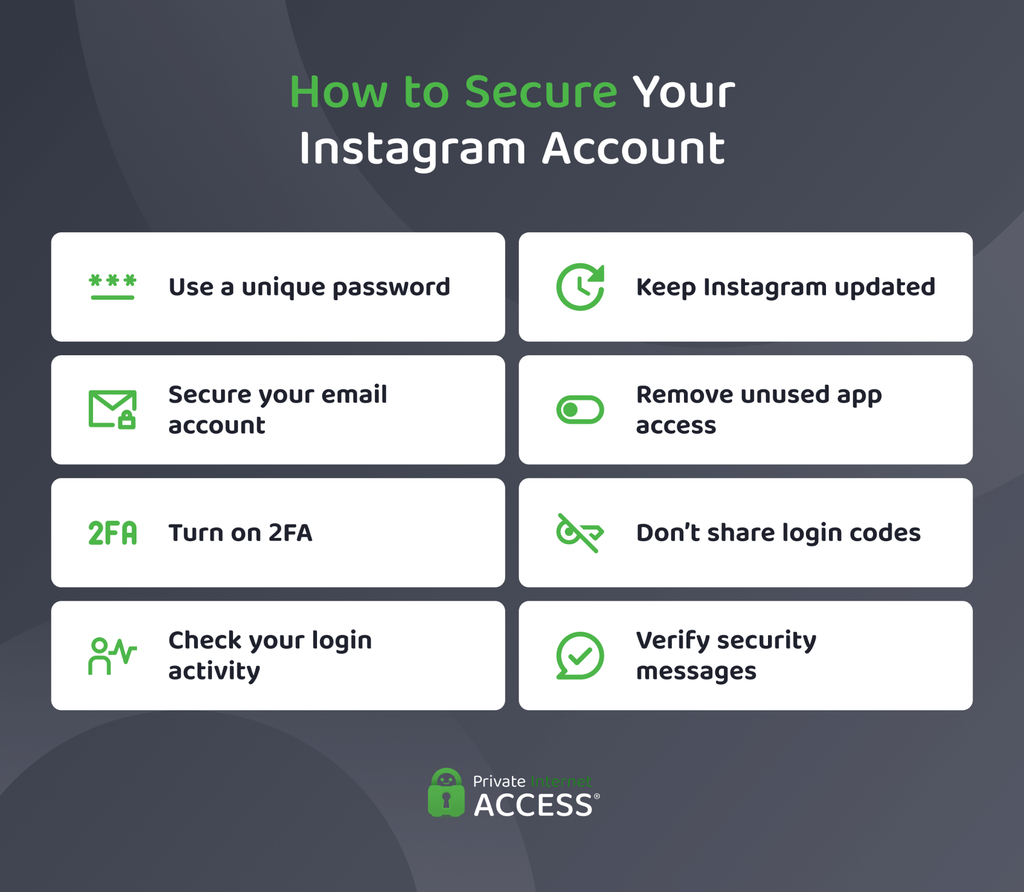
No single security measure can stop every Instagram hack. Several precautions together can make an account takeover much harder to accomplish.
Use a Unique Password
Create a strong password that you don’t reuse anywhere. Avoid names, birthdays, and other information that someone could find on your profile.
You don’t need to change a secure, unique password on a fixed schedule. Change it if you think it may have been exposed, if you entered it on a suspicious site, or if you notice unauthorized activity.
Turn On 2FA
This requires an additional verification method when someone tries to log in from an unfamiliar device. Even if someone exposes your password, the attacker still needs the second factor.
Instagram supports authentication apps and SMS codes. Save the backup codes Instagram provides in a secure location.
Verify Instagram Messages
Don’t trust a message simply because it uses Instagram’s name and logo. Avoid logging in through links sent by email or DM.
If a message claims there’s a problem with your account, open Instagram and check your settings. You can also review recent official Instagram emails inside the app.
Review Login Activity and Connected Apps
Check your active Instagram sessions periodically and sign out devices you don’t recognize. Keep in mind that listed locations can be approximate, particularly on mobile networks or when using a VPN.
Remove third-party apps you no longer use, especially follower trackers, scheduling tools, and browser extensions with account access.
Can a VPN Help Protect Your Instagram Account?
A VPN encrypts your internet traffic between your device and a VPN server. This adds a layer of protection when you use unfamiliar or untrusted networks and makes it harder for others on the same network to monitor your activity.
It can’t, however, prevent you from entering your password into a phishing page, and it can’t recover a hacked Instagram account. You still need unique passwords, secure email, and careful browsing habits.
PIA VPN includes a feature called MACE, which can block domains known for ads, trackers, and malicious activity. This may reduce exposure to some phishing and malware pages, but no blocker can identify every threat. Always verify unexpected login pages before entering your Instagram credentials.
FAQ
What happens if an Instagram account gets hacked?
The attacker may change the login details, send DMs, publish scam content, or access connected accounts. You may also be locked out or have the account restricted because of the attacker’s activity. Start Instagram’s official recovery process and secure the connected email account as soon as possible.
How do I recover my hacked Instagram account?
To recover your hacked Instagram account, visit instagram.com/hacked and follow the prompts based on the contact information you can still access. Instagram may send a login link or security code or request additional identity verification. If the account email changed, check the original inbox for a security message that may let you reverse the change.
Can I contact Instagram if my account has been hacked?
Yes. You can contact Instagram about a hacked account through its official recovery page and the support options provided in the app. The available verification methods depend on the account and recovery situation. Avoid anyone who contacts you through DMs and promises recovery for a fee.
How do you know if your Instagram is hacked?
You may know someone hacked your Instagram if you notice changed login details, unknown sessions, unfamiliar posts, or messages you didn’t send. Friends may also report receiving scams or unusual requests from your profile. A password reset email by itself doesn’t prove that someone accessed the account.
