Virus vs. Worm: What Are They and How Do They Compare?
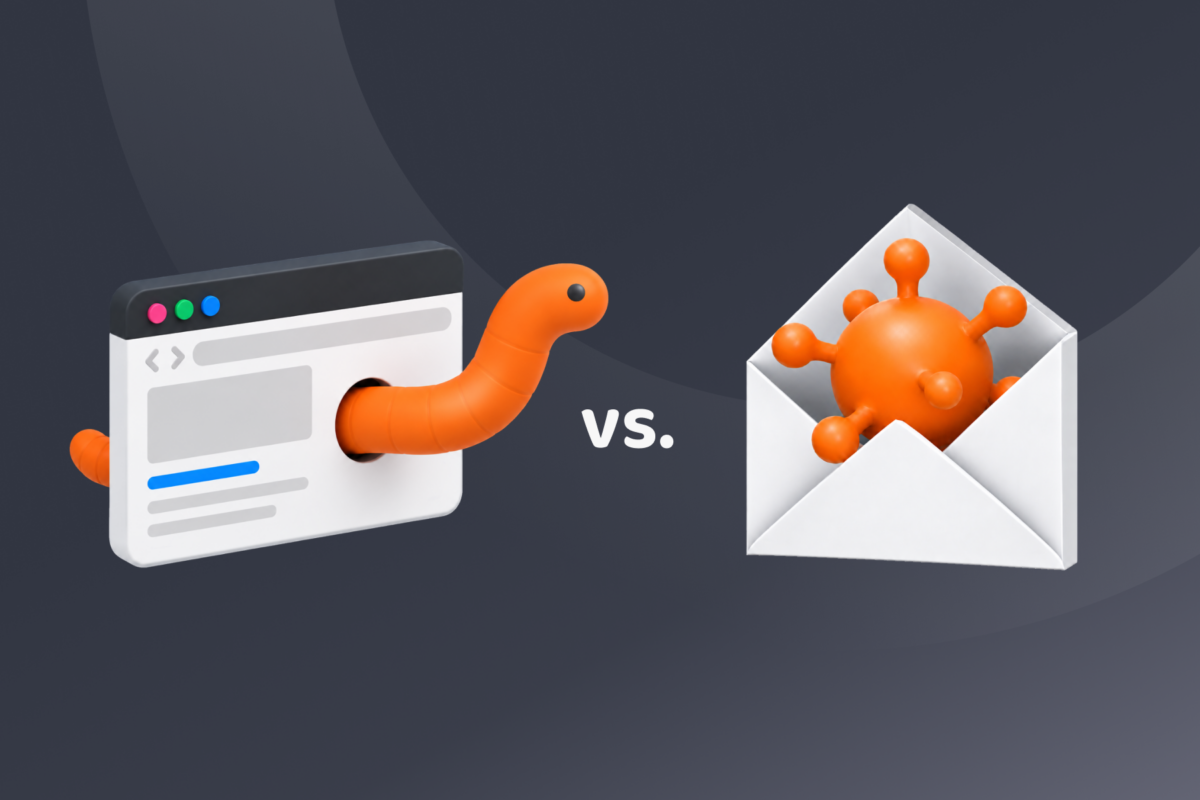
Viruses and worms are both malware, but their main difference lies in how they spread. A virus needs an infected file or program to execute, while a worm is a standalone program that can replicate and spread between systems by itself.
Computer Virus vs. Worm: Key Differences at a Glance
| Characteristic | Virus | Worm |
| Requires a host file | ✅ | ❌ |
| Can run independently | ❌ | ✅ |
| Requires human action to run for the first time | Usually | Sometimes |
| Can spread automatically once active | Not usually | ✅ |
| Typical propagation method | Infecting other files and programs | Replicating across networks or connected devices |
What Is a Computer Virus?
A virus is a self-replicating program that infects another program. It can’t run on its own, but attaches itself to a host program, like an executable program or a document that contains macros (small scripts that automate tasks in apps like Word).
A virus stays dormant until someone runs the host, at which point the virus code runs alongside the app. With a macro virus, opening an infected document and enabling its macros can activate the malicious code. Depending on how the virus works, it may then infect other documents created or opened in the same application.
How a Computer Virus Spreads
A virus moves in four stages: an infected file reaches a device, someone runs it, the virus copies itself into other files on that device, and the virus transfers those infected files to additional devices. This transfer may happen through human action or automatically through compromised applications and email clients.
Here are the main mechanisms through which a virus spreads:
- USB drives and discs: An infected USB drive or disc can pass a virus into whichever computer it’s connected to.
- Email attachments: A virus can arrive as an email attachment containing a document or software, with attackers using urgent or alarming language in the email’s body to compel people into opening the compromised attachment.
- Downloads: Malware can install alongside a program someone downloads on purpose, especially software from third-party websites or files shared over peer-to-peer networks.
- Compromised websites: A hacked website can use a flaw in a visitor’s browser to infect the device.
What a Virus Can Do to Your System
Once activated, a virus can damage or delete files, hijack your email client to send itself to your contacts, or erase entire hard drives. It can also corrupt device drivers, which can cause some hardware to stop working even though there’s no physical damage to the hardware.
Notable Virus Attacks
- Melissa (1999): This virus spread through infected Microsoft Word documents emailed to victims under the guise of an important message, then used the victim’s own Outlook program to mass-mail itself to their contacts. Cleanup and repair costs reached an estimated $80 million,1 and courts sentenced its creator to 20 months in federal prison.2
- CIH, also known as Chernobyl (1999): The virus activated on April 26, 1999, the anniversary of the Chernobyl nuclear disaster. It overwrote the first part of a victim’s hard drive and attempted to corrupt the Basic Input/Output System (BIOS) chip, which left a number of machines unusable without hardware repair.3
What Is a Computer Worm?
A worm is a piece of software that can run on its own, copy itself, and push that copy onto other machines without needing a host file, although some worms do require human intervention to become active. In order to spread, a worm can use network connections, email, or messaging services.
How a Computer Worm Spreads
A worm can enter a system through several routes, including unpatched software security vulnerabilities, malicious email attachments, compromised credentials, or exposed network services. Once activated, it searches for other vulnerable devices and attempts to replicate itself without a host file.
Once a worm is on one device, it looks for its next targets. Some probe large blocks of network addresses to find devices running a vulnerable service, while email and messaging worms take the address book from the infected device and use it as a target list.
What a Worm Can Do to Your System
A worm can damage your system by creating multiple copies of itself, which can consume significant network bandwidth, storage space, and processing power, potentially slowing down or disrupting affected systems. Worms can also carry payloads, which is extra malicious code that causes additional damage.
Notable Worm Attacks
Two noteworthy examples are:
- WannaCry (2017): Discovered on May 12, 2017, this worm spread rapidly over the following hours. The UK National Cyber Security Centre reported that it infected 300,000 computers in 150 countries.4 Microsoft had already released a patch for the underlying flaw two months earlier, so systems that skipped that update took the brunt of the damage.5 This highlights the importance of timely software updates in defending against security vulnerabilities.
- ILOVEYOU (2000): This worm spread through an email attachment disguised as a love letter. Once opened, it copied itself to every contact in the victim’s Outlook address book, so it infected millions of systems in a short time.6
Related: Destructive Code: The Most Infamous Malware Attacks in History
Malware vs. Virus vs. Worm vs. Trojan: How the Terms Relate
Malware is an umbrella term for software or firmware designed to perform malicious or unauthorized actions, such as stealing information, disrupting operations, compromising systems, or gaining unauthorized access. It covers viruses, worms, Trojans, ransomware, spyware, and more.
The main types of malware are:
- Virus: Hides inside a legitimate file and only activates when someone runs it.
- Worm: Moves between devices over a network by exploiting software flaws, with no host file and often no user action needed.
- Trojan: Poses as legitimate software but does something harmful behind the scenes, often opening a backdoor or fetching more malware.
- Ransomware: Encrypts files, steals data, or otherwise blocks access to systems and demands payment to give access back or prevent exposure.
- Spyware: Secretly monitors your activity and collects information such as passwords, browsing data, and keystrokes.
- Rootkit: Gains and maintains unauthorized access to a compromised system, sometimes with elevated privileges.
Viruses and worms differ in how they spread, while other types of malware may be defined by what they do once they’re on a device, like how ransomware demands ransom from a target after infection to return file access.
Malware gets onto devices in a few main ways. Phishing emails with malicious attachments or links are the most common starting point, but a hacked website can also install malware through a drive-by download. Supply chain attacks go further by slipping malware into software updates or third-party code that people already trust and use in their day-to-day workflows.
Related: Linux Malware and How to Stay Safe
How to Protect Your Devices Against Viruses and Worms
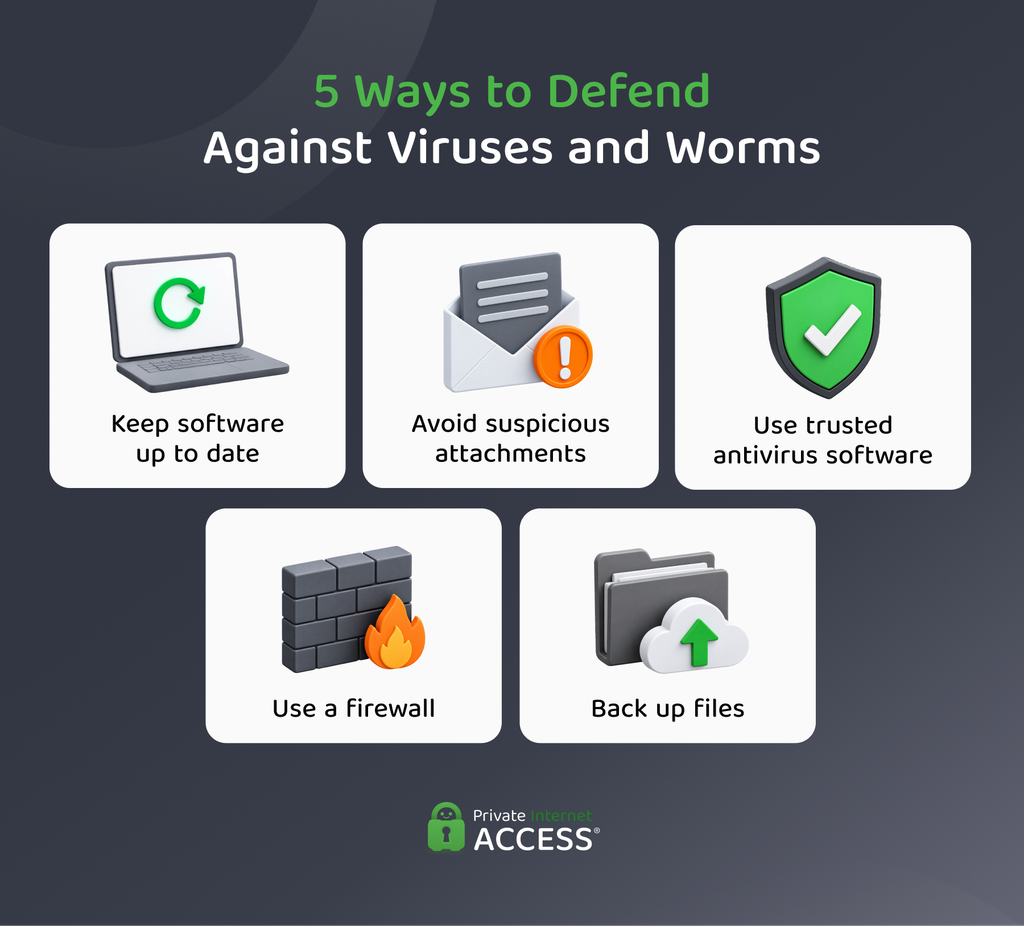
There are multiple ways to improve your security against viruses and worms:
- Keep your operating system and apps updated: Worms like WannaCry spread by exploiting software flaws and patches close those flaws. Turn on automatic updates to get the latest patches as they’re released.
- Be cautious with email attachments and links: Viruses do nothing until someone runs the infected file, and worms can spread by posing as messages from people the victim knows. Check unexpected attachments with the sender before opening them.
- Use a firewall and tighten network security: A firewall helps block unauthorized network connections that worms may use to spread. Disable unnecessary network services, secure your router, and avoid exposing remote access services to the internet.
- Back up your important files regularly: Viruses can corrupt or delete files, and some worms carry ransomware. A recent backup lets you restore your data instead of paying a ransom, so keep one copy offline.
- Use antivirus software: Scanning your incoming network traffic for known signs of viruses and malware can help you avoid an infection.
If you’re looking for a more hands-off layer of protection, Antivirus by PIA scans for viruses, worms, and other malware in real time and quarantines anything suspicious before it can spread further. It’s also one of the few antivirus apps focused on privacy, meaning it doesn’t track your browsing data.
FAQ
Is a worm considered a virus?
No, a worm and virus and both considered malware. A virus needs a host file and a person to run it before it can do anything, while a worm operates and spreads on its own.
Is a Trojan a virus or a worm?
A Trojan is neither a virus or worm. Trojans can’t copy themselves the way a virus or a worm can. Instead, they disguise themselves as legitimate or useful software to trick users into executing them. Unlike viruses and worms, they don’t independently self-replicate, although they can download or install additional malware.
Is “ILOVEYOU” a virus or a worm?
ILOVEYOU is a worm. Once someone opens the attachment, it copies itself and emails that copy to every contact in the victim’s address book. It doesn’t need any further action from the victim, which is the self-propagating behavior that defines a worm.
What is malware?
Malware is a term that covers many different kinds of malicious software, including viruses that attach to files and spread when someone runs them, worms that spread across networks on their own, spyware that collects your data, and rootkits that hide an attacker’s access to your device.
